MB2-712 Dynamics CRM 2016 Customization: Data Model, Security, and Automation
MB2-712, Configuring Microsoft Dynamics CRM 2016, retired on December 31, 2019. It belongs to an earlier CRM generation, but its core configuration themes remain recognizable in modern Dataverse and model-driven applications: business tables, relationships, forms, views, security, processes, solutions, and reporting. The terminology has changed in places, so historical accuracy requires preserving the CRM 2016 model while explaining the architectural continuity.
The exam focused on adapting a packaged CRM system to the organization without immediately resorting to custom code. A configurator had to decide what data to capture, how records relate, which interface each role needs, what business rules should enforce, which processes can be automated, and how changes should move safely between environments. That is functional solution design, not cosmetic screen editing.
Modern Power Platform roles extend many of the same ideas. PL-200 and the Power Platform functional-consultant subject area use newer Dataverse terminology and broader low-code capabilities, but MB2-712 remains useful for understanding the roots of configuration-driven CRM implementation.
Solutions were the unit for organizing and transporting customization
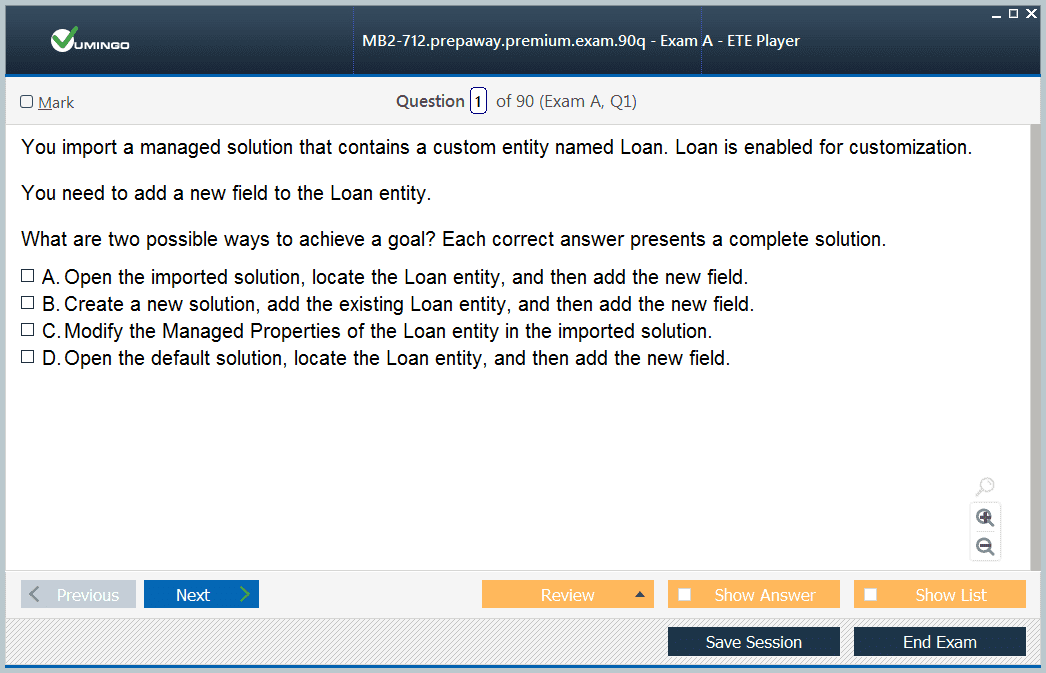
Dynamics CRM solutions grouped components such as entities, fields, forms, views, processes, web resources, and other configuration so teams could move changes between environments. Administrators needed to understand managed and unmanaged behavior, dependencies, publishers, versioning, and what happened when components were imported, upgraded, or removed.
The solution model encouraged disciplined lifecycle management. Development changes should be isolated from production, dependencies should be understood before transport, and teams should know which layer owns a component. Those principles remain central in Dataverse solution management because low-code does not remove the need for source control, testing, deployment discipline, or clear ownership.
Entities, fields, and relationships defined the business data model
CRM 2016 called core business tables “entities.” Configurators could use standard entities or create custom ones, then add fields with appropriate data types, requirements, formats, and behavior. Relationships expressed one-to-many, many-to-one, or many-to-many connections so the application could model real business structures instead of relying on free-form text references.
Data modeling decisions had long-term consequences. A field that should have been a relationship but was stored as text made reporting and automation harder. A required field that users could not know at record creation encouraged bad data. Good configuration therefore started with the business meaning of a record and its lifecycle, then translated that meaning into the CRM schema.
Forms and views turned the data model into role-specific experiences
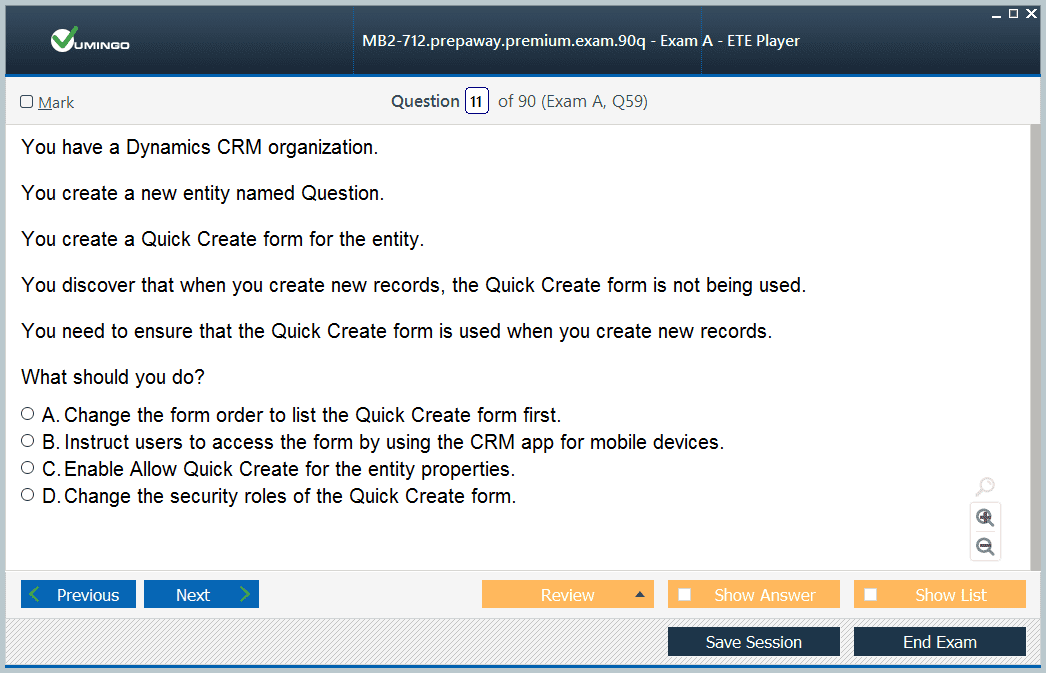
Forms controlled how users created and edited records, while views controlled which records and columns they saw in lists. Configurators could organize tabs and sections, expose related records, add subgrids, use quick-create experiences, and present different forms to different roles. The objective was to reduce friction while still collecting enough information to support the process.
A useful design test is whether the interface matches the user's decision. A service agent may need case, entitlement, contact, and knowledge information close together; a salesperson may care more about opportunity stage, activities, products, and next steps. The same underlying record can support different experiences when forms and views are designed around work rather than around the database structure.
Security combined roles, business units, ownership, teams, and field controls
Dynamics CRM security was layered. Security roles granted privileges, business units created organizational boundaries, record ownership affected access, teams could share responsibility, and field security could protect especially sensitive attributes. Configurators needed to understand how those mechanisms interacted instead of trying to solve every requirement with a single oversized role.
The best security model follows business accountability. Users should be able to perform their job without receiving unrelated administrative or customer data. Managers may need broader visibility, shared-service teams may need cross-unit access, and restricted fields may need tighter control than the record itself. Designing those patterns early prevents later dependence on manual sharing and emergency privilege increases.
Business rules and processes automated repeatable decisions
CRM 2016 configuration included business rules, workflows, business process flows, and related automation. Business rules could enforce or derive values without code, workflows could react to record changes or run on demand, and process flows could guide users through defined stages. Each tool had a different execution model, so the configurator had to choose the simplest mechanism that met the business requirement.
The enduring low-code principle is to automate stable, well-understood rules. Automation cannot repair an unclear process; it simply executes ambiguity faster. Before building a rule, teams should know the trigger, required data, expected outcome, exceptions, ownership, and how failure will be detected. That discipline transfers directly to Power Automate and modern Dataverse automation.
Dashboards, charts, and reports exposed whether the process was working
Views organized operational lists, charts summarized patterns, dashboards combined several measures, and reports supported more formal analysis. A configurator needed to connect those outputs to the underlying fields and relationships. Poor data design or inconsistent user behavior inevitably reduced reporting quality, no matter how attractive the dashboard looked.
Good reporting design begins with decisions. A sales manager might need pipeline by stage and owner; a service leader might need open cases by priority and age; an operations team might need incomplete records or exceptions. Once the decision is clear, the configurator can make sure required fields exist, users actually populate them, and security does not unintentionally hide relevant data.
Migration and integration tested whether configuration was truly coherent
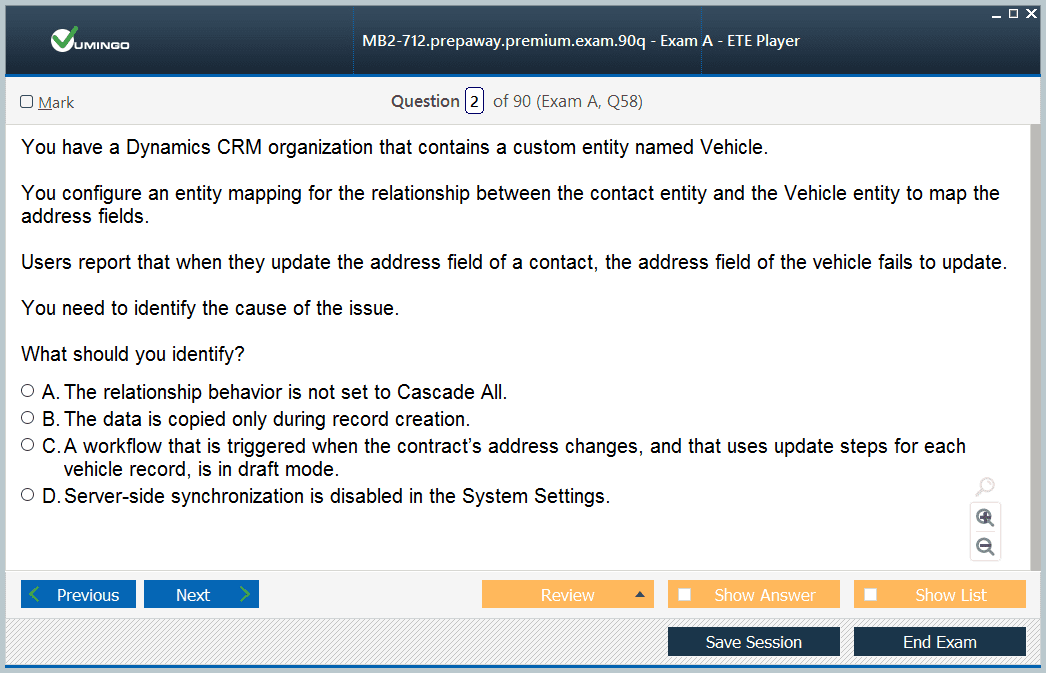
Historical CRM projects often imported accounts, contacts, activities, opportunities, and custom records from earlier systems. Mapping, duplicate detection, data cleansing, ownership, status values, and relationships all mattered. A technically successful import could still fail the business if it created duplicate customers, broke relationships, or assigned records to the wrong teams.
Integration added another layer because external systems needed stable identifiers and predictable schemas. The old configuration exam did not make every candidate an integration developer, but it reinforced that data-model decisions affect interfaces. Modern Dynamics 365 and Power Apps solutions continue that idea by treating the business application as part of a wider platform rather than a closed database.
The historical customization model leads naturally into Dataverse and Power Platform
Terminology changed after CRM 2016: entities became tables, option sets became choices, Common Data Service became Dataverse, and automation options expanded substantially. Yet the underlying implementation questions remain familiar. What data should exist? Who can see or change it? Which interface fits the role? Which rule should run automatically? How do changes move safely through environments?
Readers can use Dynamics CRM customer-process context to anchor the older product model and then move into current Power Platform material when needed. MB2-712 is most useful as a historical configuration foundation inside the broader Microsoft certifications history when 2016 terminology is clearly separated from the tools and names used in today's platform.
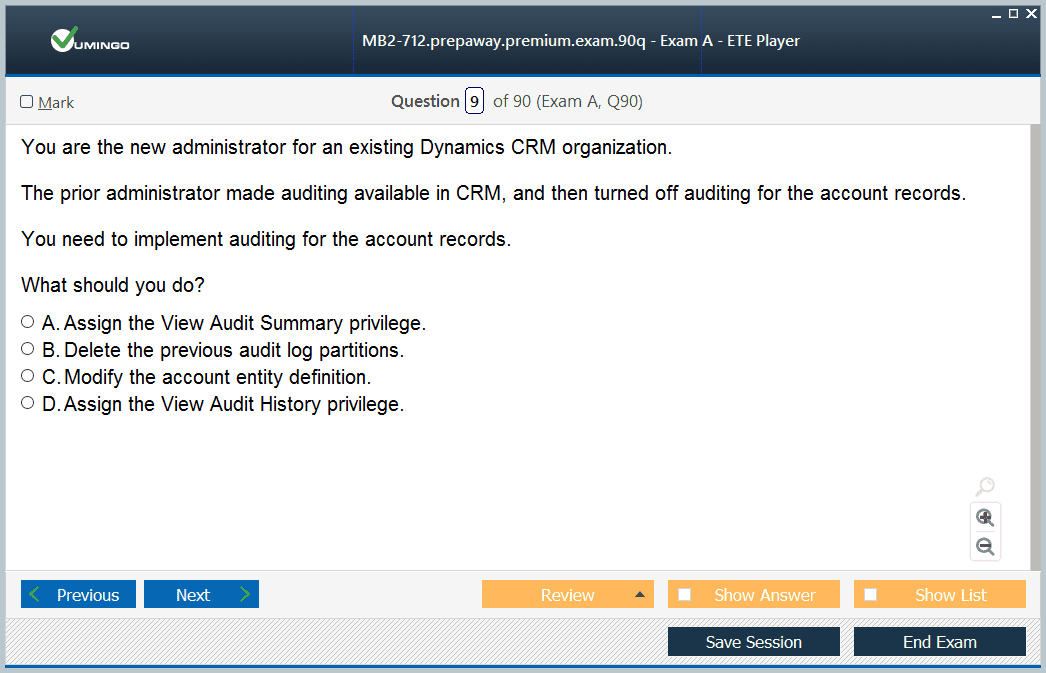
Configuration also involved auditing and data-management choices. Audit settings could record important changes for compliance or troubleshooting, but enabling everything without purpose created noise and storage overhead. Duplicate-detection rules, status reasons, required fields, and import mappings helped keep records usable. Each control worked best when tied to a specific business risk rather than enabled simply because the feature existed.
Business process flows deserve particular historical attention because they connected user guidance with record state. A process could make the expected stages visible and encourage consistent data capture, yet it did not replace training or judgment. If stages were designed around internal jargon instead of actual decisions, users clicked through them mechanically. Good process design asked what evidence proves a stage is complete and which role owns the transition.
The neighboring MB2-708 deployment exam represented the infrastructure layer, while MB2-713 represented a major application workload. Seeing the three together clarifies the old CRM certification model: one specialist kept the platform healthy, another configured reusable business behavior, and another understood how a specific department used that behavior. Modern cloud roles distribute those responsibilities differently but still depend on cross-role coordination.
Testing should be treated as part of configuration, not a final checkbox. A field change can affect forms, views, workflows, integrations, reports, security, imports, and data already stored in production. Configurators should test the normal path, missing data, unusual permissions, bulk operations, and upgrade behavior. The more “no-code” a change appears, the easier it is to underestimate its downstream reach.
The best modern bridge from MB2-712 is not a one-for-one exam replacement but a skill map. Data modeling, forms, views, security, process automation, solutions, and environment movement all continue in Dataverse and model-driven apps. Current Power Platform functional-consultant study becomes easier when those foundations are understood, provided learners update the terminology and platform capabilities rather than copying 2016 procedures literally.
Role-based usability is another reason to keep configuration restrained. Every extra field, tab, workflow, and notification adds cognitive load. A customization should earn its place by supporting a decision, a control, or a required piece of data. Historical CRM projects often became difficult to upgrade because years of small requests accumulated without ownership. Modern platform governance tries to solve the same problem through solution review, environment strategy, and clearer lifecycle practices.
Data retention and deletion also belong in the design conversation. CRM systems can accumulate years of activities, attachments, obsolete records, and duplicated data. Even if the 2016 exam did not frame this in today's privacy language, administrators still needed to understand storage growth, relevance, audit requirements, and the effect of deletion on relationships. A sustainable solution defines what must be kept and why instead of treating permanent retention as the default.
Configuration documentation mattered because business logic could be distributed across forms, fields, workflows, security, and solution layers. Future administrators needed to know not only what was changed but the requirement that justified it. Clear design notes reduced the risk that a later cleanup removed something essential or preserved a workaround long after the original process had changed.


 83% students found the test questions almost same




