MB-240 Dynamics 365 Field Service: Work Orders, Scheduling, and Mobile Operations
MB-240, Microsoft Dynamics 365 Field Service Functional Consultant, retired on June 30, 2026. Its retirement means candidates can no longer use the exam as a current registration target, but the role it measured remains highly recognizable: turning field-service policies into a system that can receive service demand, create work orders, schedule the right resources, equip technicians in the field, track customer assets, and close work with reliable operational data.
The historical exam belonged to the Dynamics 365 Field Service Functional Consultant Associate path. Microsoft’s final blueprint expected consultants to configure the Field Service application, manage work orders and assets, schedule and dispatch resources, support the mobile experience, handle inventory and purchasing, and use Microsoft Power Platform where standard Field Service configuration needed to be extended.
That scope is useful because field service is not simply a scheduling problem. It is an end-to-end operating model. A service request becomes a work order; the work order requires skills, parts, time, and location; a technician needs instructions and customer context; the organization needs status, cost, inventory, and asset history; and managers need enough data to improve future delivery. MB-240 made those relationships the center of the role.
Work orders translate service demand into executable field work
A work order represents work that must be performed at a customer location or on a customer asset. Good work-order design begins before scheduling. Consultants define incident types, service tasks, products, services, priorities, territories, and other defaults so common work can be created consistently instead of rebuilt manually each time. Incident types are especially useful because they can package a repeatable service pattern into one reusable definition.
The work-order lifecycle also needs clear states. New, scheduled, traveling, in progress, completed, posted, and closed can mean different things operationally, and organizations may add business-specific statuses. The goal is not to create the largest possible state model. It is to make handoffs visible: dispatchers should know what is ready to schedule, technicians should know what action is expected, and finance or service managers should know when the operational record is complete enough for downstream processing.
Field Service works best when a work order contains the information a technician actually needs. Customer address, asset history, reported symptoms, tasks, required parts, safety notes, and relevant knowledge should travel with the job. If essential context lives only in email or an external spreadsheet, the scheduling system may look complete while the frontline process remains fragmented.
Customer assets create the service history that repeat visits depend on
Customer assets represent equipment or other maintainable items associated with a customer or service location. The asset record can preserve serial numbers, product details, installation information, parent-child relationships, and the history of work performed. That history helps a technician distinguish a recurring failure from an isolated event and gives service managers evidence when they evaluate reliability or replacement decisions.
Asset structure matters. A large machine may contain replaceable components, and a building may contain many maintainable systems. Hierarchies should reflect how technicians diagnose and service equipment rather than copying an accounting hierarchy that is difficult to use in the field. Too little detail hides important service history; too much detail creates maintenance overhead and poor data quality.
Asset information also connects field service to broader customer operations. Warranty, entitlement, contract, or product data may affect whether work is billable, which service level applies, or what parts should be used. Consultants need to understand those relationships even when another Dynamics application owns the commercial record.
Scheduling combines requirements, resources, geography, and capacity
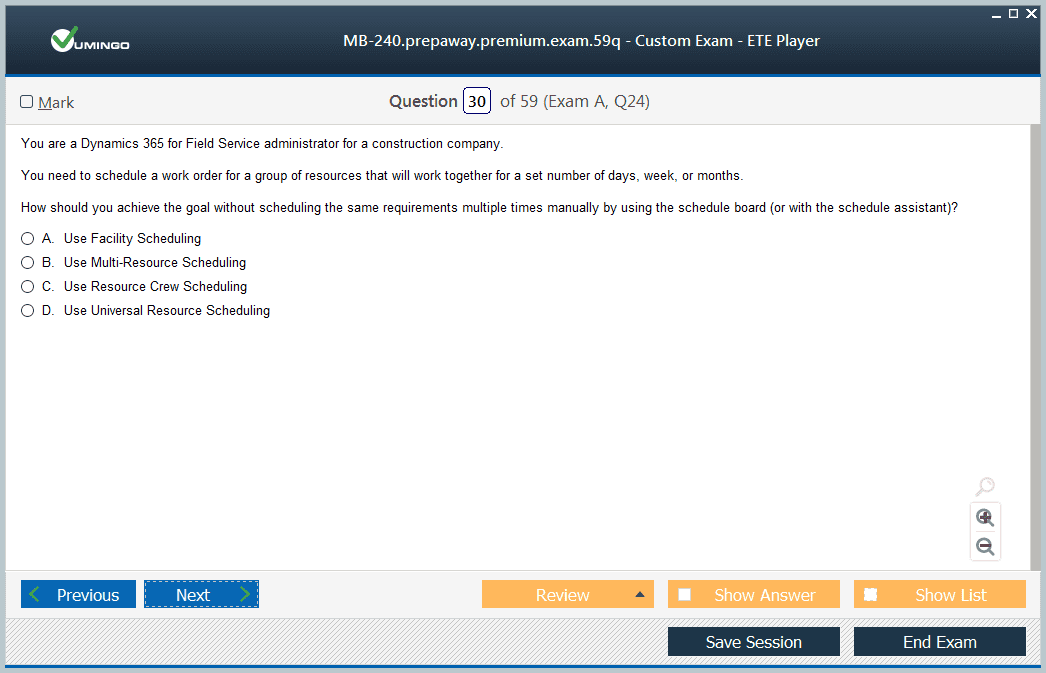
Scheduling is where service demand meets real-world constraints. A resource may need a particular skill, certification, territory, language, or equipment. The booking has a duration and location. Travel time matters. Working hours and time off matter. Some jobs require a crew or facility instead of one person. The historical MB-240 scope expected consultants to model these constraints so scheduling could become more than a manual calendar exercise.
The schedule board gives dispatchers an operational view of unscheduled requirements and available resources. Filters, map context, resource characteristics, and booking status help a dispatcher make informed assignments. Resource Scheduling Optimization can automate parts of that decision process when the organization has enough volume and reliable constraints to justify optimization. Automation does not remove the need for clean data; it makes bad data produce decisions faster.
A useful scheduling configuration balances utilization with service quality. Assigning every minute of a technician’s day may look efficient until travel overruns, urgent calls, or complex repairs create cascading delays. Organizations need realistic duration estimates, buffers where appropriate, and escalation rules for jobs that cannot be assigned within target windows.
Agreements and recurring work turn maintenance policy into future demand
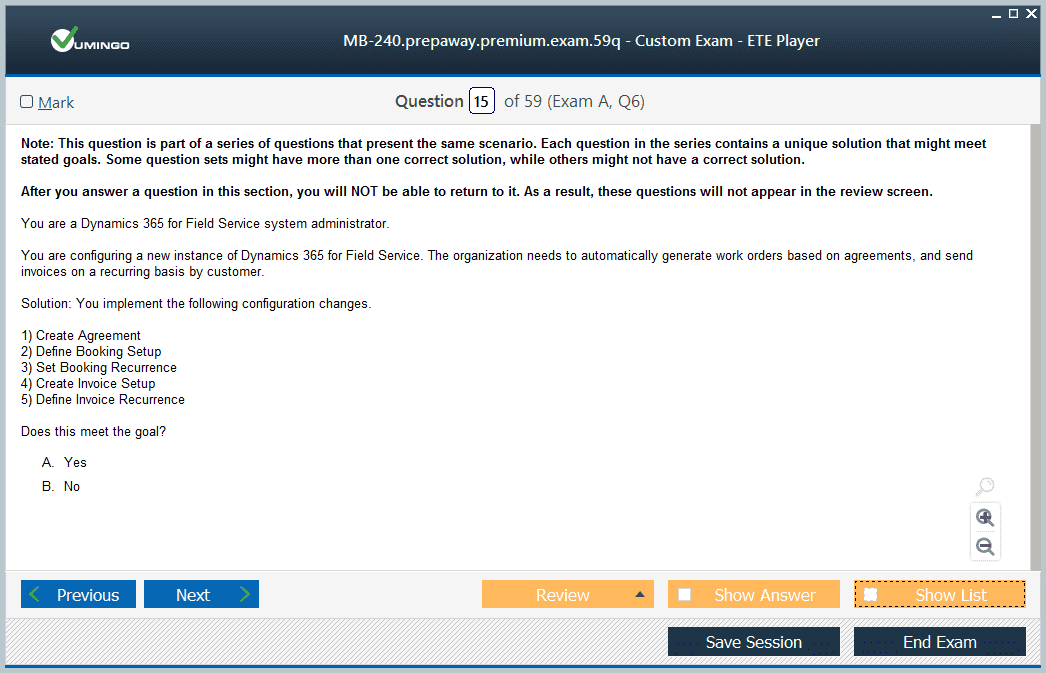
Many field-service organizations do not wait for customers to report a failure. They perform inspection, preventive maintenance, calibration, or recurring service based on time or contract. Agreements allow the system to create work orders and related records on a schedule, turning a service commitment into predictable future demand.
Agreement design should reflect the real cadence of work. A monthly visit, quarterly inspection, and annual overhaul may require different incident types, durations, parts, and technician skills even when they apply to the same asset. Treating all recurring work as one generic job weakens scheduling and reporting because the system cannot distinguish the operational effort behind each visit.
Recurring work also exposes capacity problems early. If agreements create a large cluster of preventive jobs in the same period, dispatchers need enough advance visibility to level the workload. That makes recurring-service configuration a planning tool as well as a record-creation feature.
The mobile experience must support the technician, not reproduce the desktop
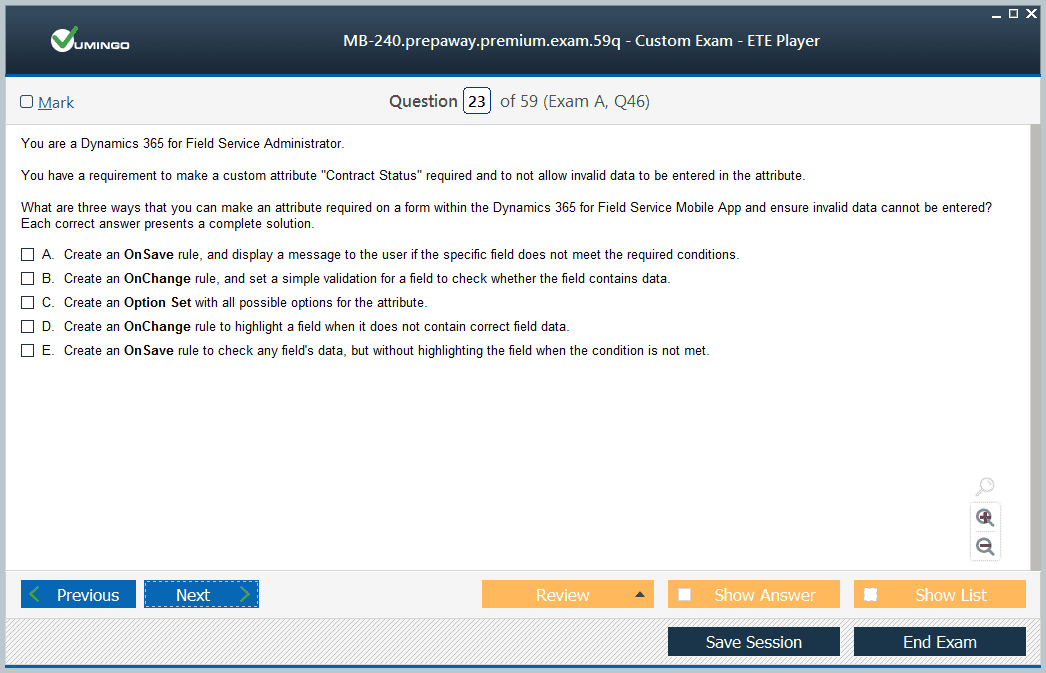
Field technicians work in conditions that differ from office users. They may have intermittent connectivity, limited time at the customer site, protective equipment, or a need to capture photos and signatures while moving. The Field Service mobile app therefore needs forms, views, commands, and offline data designed around the work sequence rather than copied wholesale from the full application.
Offline configuration is particularly important. A mobile user should have the records needed for assigned jobs without downloading an unnecessary portion of the organization’s data. Filters, profiles, synchronization behavior, and conflict handling affect both performance and reliability. A technician who cannot open an asset or record completion because connectivity disappeared has an operational problem, not merely a user-interface inconvenience.
Mobile design should also reduce repeated entry. Barcode scanning, location data, photos, notes, time entries, product consumption, signatures, and status updates can make the field record richer while requiring less typing. The best configuration captures evidence as a natural by-product of doing the job.
Inventory and purchasing connect service execution to parts availability
Field service often fails when the technician reaches the customer without the required part. Dynamics 365 Field Service can track warehouses, technician truck stock, product consumption, purchase activity, transfers, and returns. Consultants need to understand how inventory moves so that the system reflects what is physically available rather than presenting optimistic quantities that cannot be trusted.
Parts planning starts with service patterns. Common incident types can include expected products, while historical usage can show which components are frequently consumed. Replenishment rules and warehouse processes should account for lead times and the cost of carrying stock. A high-value component may need central control, while inexpensive common parts may justify more generous truck inventory.
Inventory accuracy also affects billing and asset history. Recording a replacement part can support cost capture, customer charges, warranty analysis, and future troubleshooting. Skipping product consumption because it feels like administrative work creates downstream gaps in several parts of the operation.
Power Platform extends Field Service when the standard process needs support
Field Service sits on Dataverse and can be extended through Power Apps, Power Automate, and related Microsoft services. A consultant might automate notifications, create approval or exception flows, add business rules, surface related data, or build lightweight apps for supporting roles. The important design question is whether an extension clarifies the service process or simply reproduces functionality that already exists.
Integrations can also connect field operations with customer service, finance, inventory, IoT, or external line-of-business systems. The retired MB-240 blueprint explicitly placed Field Service in the larger Dynamics 365 and Microsoft certifications ecosystem, where functional consultants were expected to understand how the application cooperates with Power Platform rather than treating it as an isolated scheduling product.
For learners reviewing the historical exam today, the best preparation model is still scenario based. Follow one service request from intake through work-order creation, scheduling, technician execution, parts consumption, asset update, and closure. That sequence reveals why configuration decisions interact and preserves the real value of MB-240 even though the exam itself is retired.
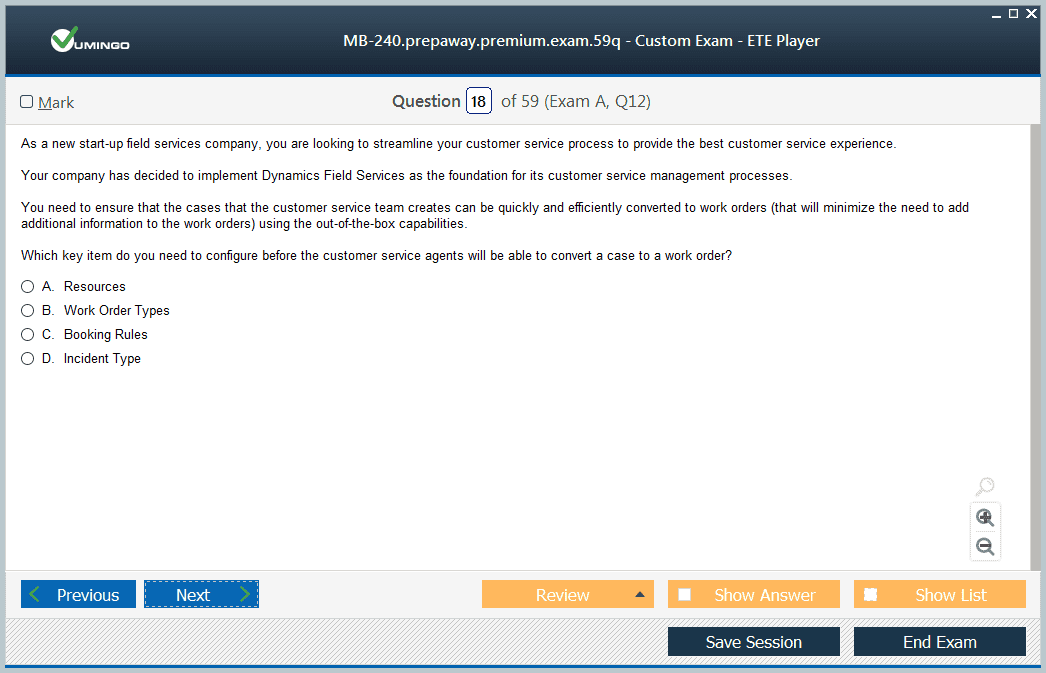
Field Service also depends on its relationship with customer-service processes. A case in Dynamics 365 Customer Service may identify a problem that cannot be resolved remotely and requires an onsite visit. When that handoff is designed well, the customer does not have to repeat the full story, the work order contains the diagnostic context already gathered, and the technician can return completion information to the service team. This is a good example of why application boundaries should follow responsibilities while customer context remains connected.
Organizations should also measure field-service performance across several dimensions rather than optimizing one metric in isolation. First-time-fix rate, travel time, utilization, mean time to repair, parts availability, repeat visits, SLA performance, and customer satisfaction can pull behavior in different directions. Driving utilization to 100 percent can reduce capacity for urgent work, while minimizing inventory can increase second visits. Functional consultants need enough operational understanding to configure data capture that supports balanced decisions.
For historical MB-240 review, it is useful to place Field Service inside the broader Dynamics 365 application family. The exam may be retired, but the implementation discipline remains current: model the work accurately, give dispatchers and technicians usable information, record the evidence produced in the field, and make downstream inventory, customer-service, and financial processes depend on trusted operational data.


 83% students found the test questions almost same




