Pass LPI Linux Essentials Certification Exams in First Attempt Guaranteed!
Get 100% Latest Exam Questions, Accurate & Verified Answers to Pass the Actual Exam!
30 Days Free Updates, Instant Download!


Linux Essentials Premium Bundle
- 010-150 Exam
- 010-160 Exam
010-150 Premium Bundle
- Premium File 80 Questions & Answers
Last update: Nov 02, 2026 - Training Course 61 Video Lectures
Purchase Individually

Premium File
Training Course

010-160 Premium Bundle
- Premium File 80 Questions & Answers
Last update: Oct 30, 2026 - Training Course 78 Video Lectures
- Study Guide 364 Pages
Purchase Individually
Premium File
Training Course

Study Guide
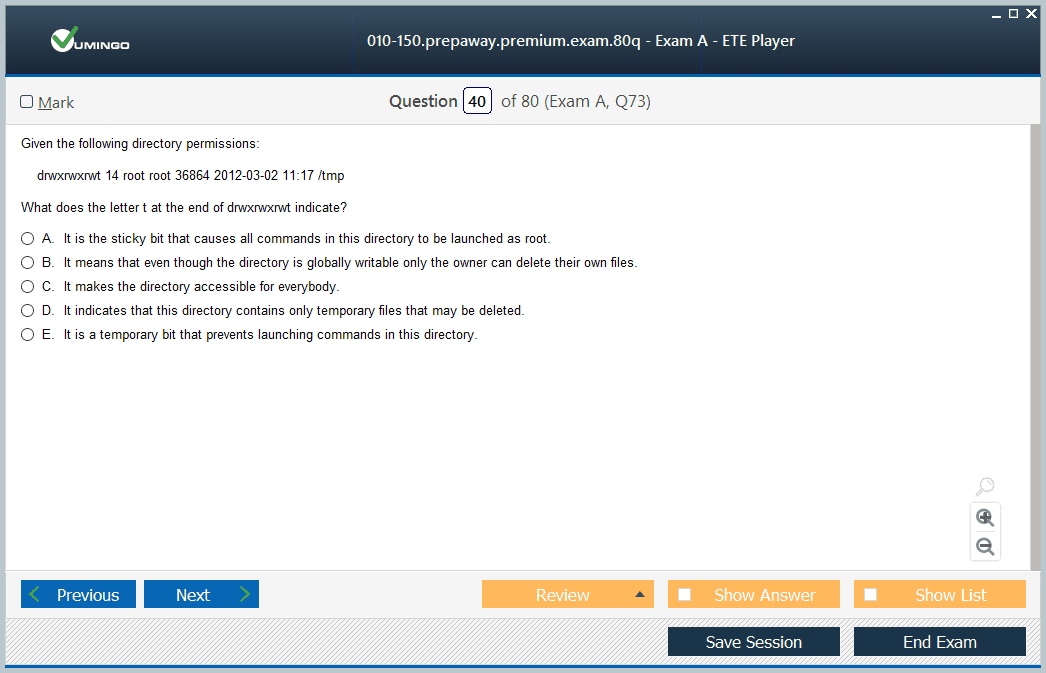
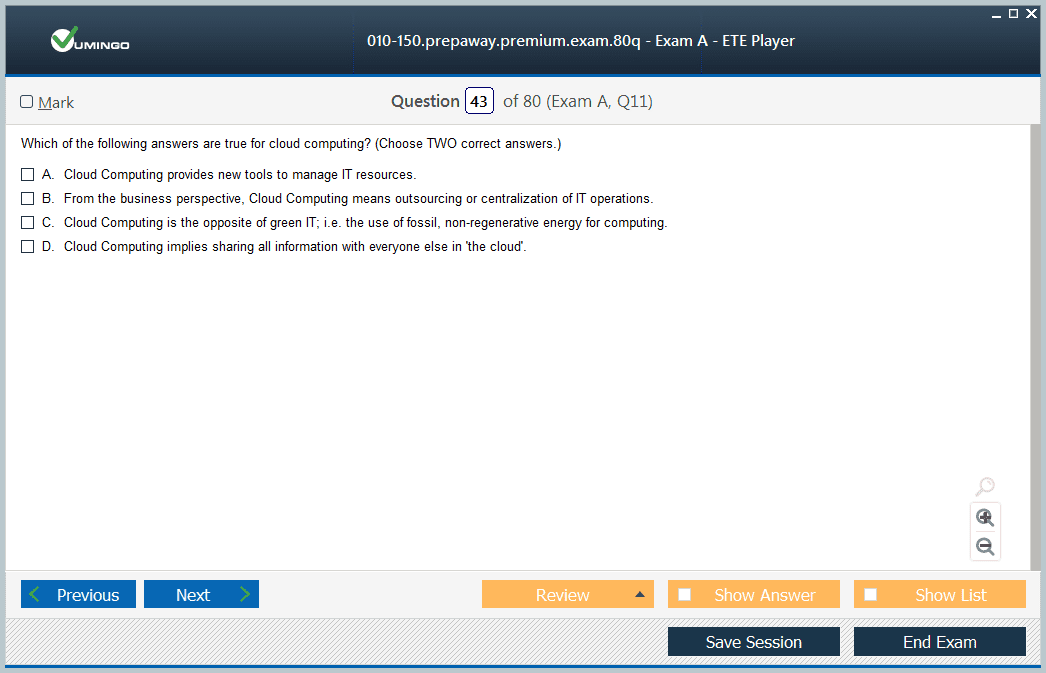
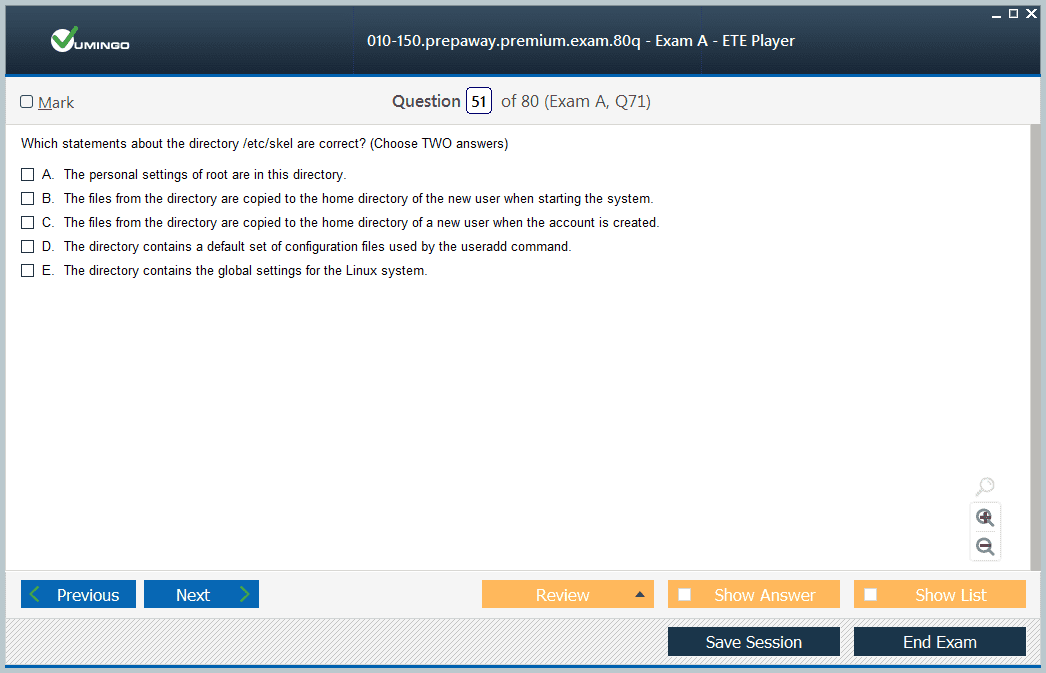
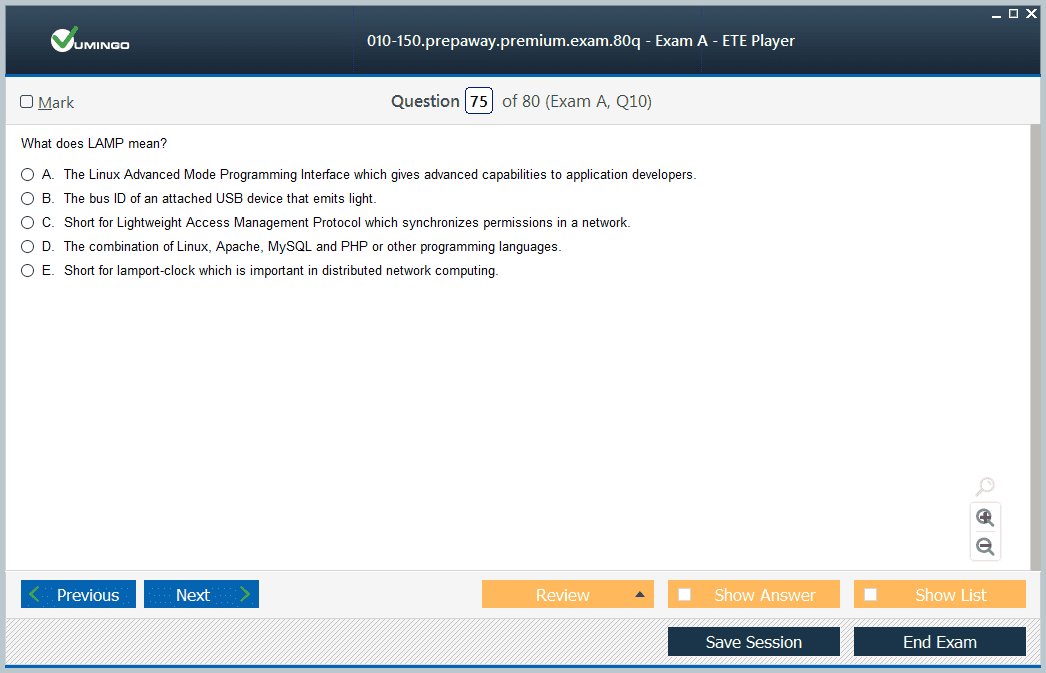
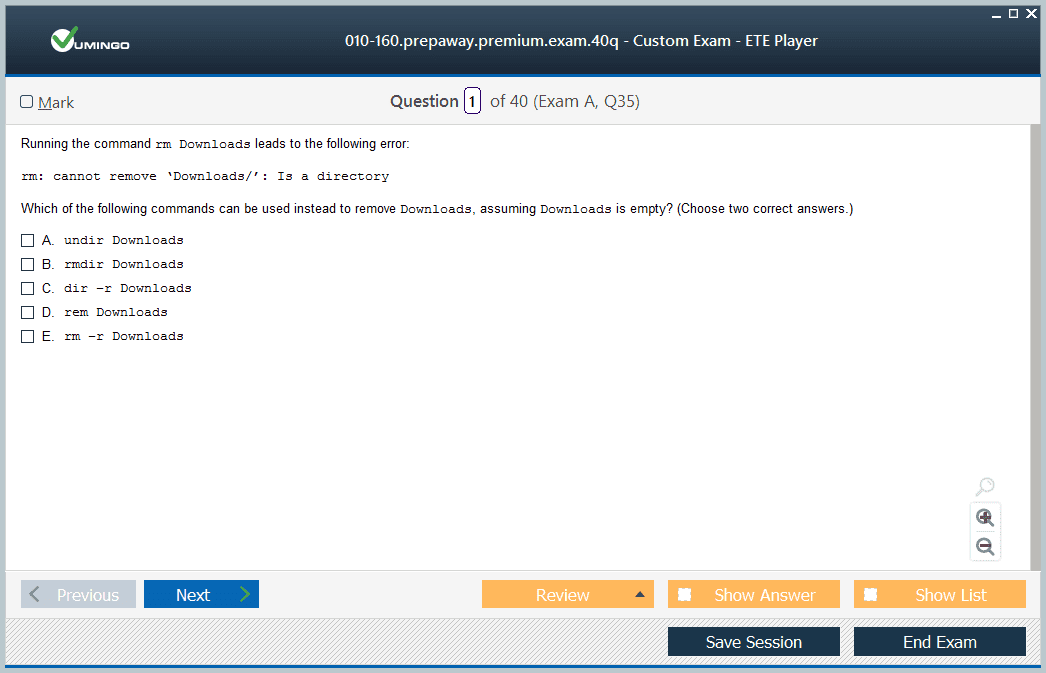
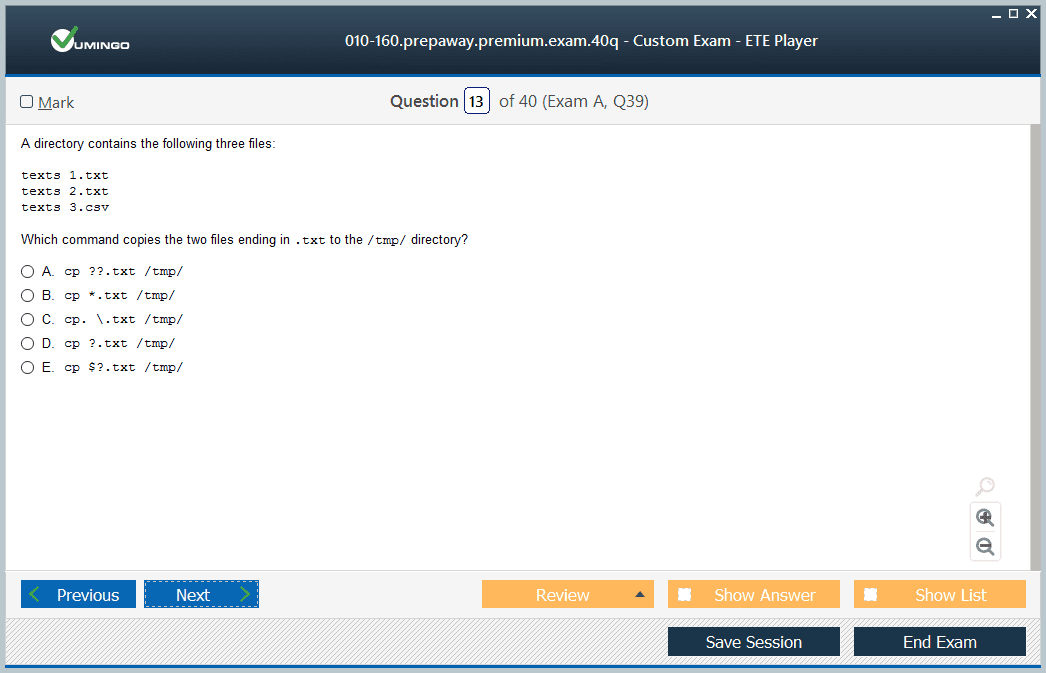
010-150 Exam - Entry Level Linux Essentials Certificate of Achievement
010-150 Premium Bundle
- Premium File 80 Questions & Answers. Last update: Nov 02, 2026
- Training Course 61 Video Lectures
| Download Free 010-150 Exam Questions |
|---|
010-160 Exam - Linux Essentials Certificate Exam, version 1.6
010-160 Premium Bundle
- Premium File 80 Questions & Answers. Last update: Oct 30, 2026
- Training Course 78 Video Lectures
- Study Guide Pages
| Download Free 010-160 Exam Questions |
|---|
LPI Linux Essentials Certification Practice Test Questions and Answers, LPI Linux Essentials Certification Exam Dumps
All LPI Linux Essentials certification exam dumps, study guide, training courses are prepared by industry experts. LPI Linux Essentials certification practice test questions and answers, exam dumps, study guide and training courses help candidates to study and pass hassle-free!
Linux Essentials 010-160: Current LPI Certificate, Command-Line Skills, and Open Source Foundations
Linux Professional Institute’s Linux Essentials certificate is the entry point for candidates who want to demonstrate foundational Linux and open-source knowledge before moving into the LPIC professional track. The current version is 1.6 with exam code 010-160. There are no prerequisites, the exam contains 40 questions, the time limit is 60 minutes, and the certificate currently has lifetime validity.
Linux Essentials is intentionally broader than memorizing shell commands. It includes open-source communities and licensing, Linux components, command-line work, files and archives, scripting basics, users and groups, permissions, and security. The wider LPI certifications family then progresses into LPIC-1, LPIC-2, and LPIC-3 for candidates who want deeper professional system-administration credentials.
Understand the Linux and Open Source Ecosystem
Learn what makes Linux and open source different from proprietary software, how distributions package the operating system, and why licensing matters. Be able to recognize common open-source applications and the roles of communities, vendors, and foundations.
The PrepAway article on Linux Essentials and open-source fundamentals can support this part of the syllabus. Focus on concepts such as distribution, package, kernel, shell, desktop environment, repository, and license so later command-line topics have context.
Know the Major Components of a Linux System
Understand hardware, kernel, processes, filesystems, users, services, commands, and applications at a high level. Learn how Linux organizes devices and files and why configuration and log files are typically stored in predictable directory structures.
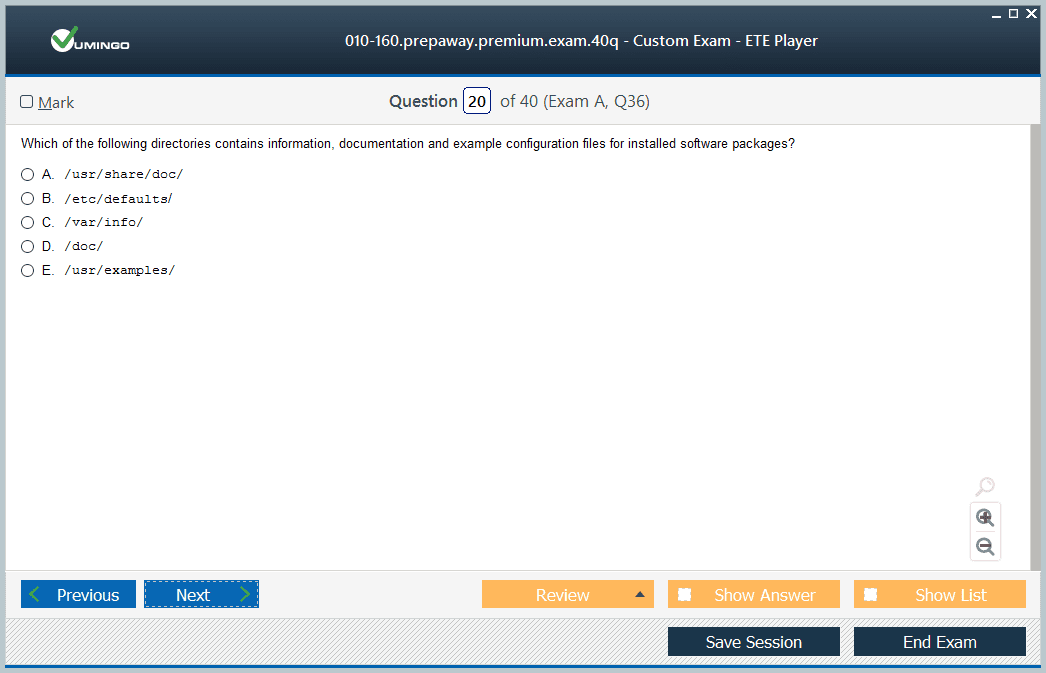
Practise identifying the purpose of common directories such as /etc, /home, /var, /tmp, /usr, and /bin-related paths. The exam is not asking you to administer a large production server, but you should be able to navigate a system with confidence.
Command-Line Navigation Should Become Comfortable
Use pwd, cd, ls, cp, mv, rm, mkdir, cat, less, head, tail, grep, find, and basic redirection until you understand what each operation changes. Learn quoting, wildcards, pipes, and command history.
Do not practise only by copying command examples. Create a directory tree, move files, search content, redirect output, and recover from simple mistakes. Command-line fluency comes from understanding paths and streams rather than memorizing one sequence.
Files, Archives, and Compression Are Practical Skills
Linux Essentials includes common archive and compression concepts. Practise tar, gzip, bzip2 or xz-style workflows at the level defined by the objectives, and understand the difference between archiving multiple files and compressing data.
Build a small backup exercise: collect configuration-like files into an archive, compress it, list its contents, extract it into a different location, and verify the result. This turns abstract command options into a repeatable operational task.
Processes and Simple System Information Matter
Understand processes, process identifiers, foreground and background execution, and basic commands that show system or process information. Learn the difference between a program stored on disk and a process running in memory.
Practise starting a simple process, viewing it, and ending it safely. This creates a foundation for later LPIC system administration, where service management and troubleshooting become much deeper.
Users, Groups, and Permissions Are Core Linux Concepts
Learn users, groups, ownership, read/write/execute permissions, public and private directories, and the basic security model around file access. Understand why root and ordinary users have different authority.
Create files owned by different users or groups in a lab and predict who can read or modify them. Linux security becomes easier to understand when permissions are observed directly rather than learned as symbolic notation alone.
Simple Scripting Connects Commands Into Workflows
Linux Essentials includes the ability to create and run simple scripts. Learn the purpose of a shebang, executable permission, variables, simple control flow, and how commands can be combined to automate a repetitive task.
Keep scripts small. A backup, file-reporting, or log-search script is enough to show how shell commands become reusable automation. The PrepAway overview of DevOps work can help connect scripting skills with later infrastructure and automation roles.
Linux Essentials and LPIC-1 Are Different Levels
LPIC-1 is the first professional certification in LPI’s multi-level track and requires passing two 90-minute exams. Linux Essentials is a standalone certificate with lifetime validity and no prerequisite. It is useful for beginners, support professionals, developers, and students who want verified Linux fundamentals before professional administration.
The PrepAway article on 010-160 preparation is useful for exam-specific practice, while Linux certification options can help candidates decide when to progress into a professional path.
Linux Essentials also expects awareness of common desktop and server applications. Compare open-source browsers, office suites, editors, databases, web servers, and development tools with proprietary equivalents. The goal is not to memorize brand lists but to understand the breadth of open-source software used in real workplaces.
Licensing deserves deliberate study. Learn the basic distinction between permissive and copyleft approaches, the purpose of common free-software licenses, and why license terms affect redistribution and modification. You do not need to become a lawyer, but you should understand that “open source†is defined by rights and obligations, not merely by software being free of charge.
Environment variables and the shell environment are useful beginner concepts. Practise viewing variables, changing PATH in a controlled shell session, using command history, and understanding how the shell locates an executable. These ideas explain many “command not found†or inconsistent environment problems later.
Text files are central to Linux administration, so practise basic editing rather than only viewing files. Use a simple terminal editor to create configuration-like files, correct mistakes, search text, and save changes. The exam may test editor concepts, but the real benefit is becoming comfortable when a system has no graphical interface.
Basic networking should also be part of your lab. Identify your IP address, default route, DNS configuration, and active interfaces. Test local and remote connectivity and learn what ping and name resolution can and cannot prove. These basics prepare you for LPIC-1 networking without requiring advanced routing knowledge.
Security at this level should include good account habits. Understand why everyday work should not be performed as root, why file permissions matter, and why scripts from unknown sources should not be executed blindly. Linux gives users powerful tools; safe administration begins with understanding the effect before running the command.
For final study, create a clean virtual machine and complete one end-to-end session without notes: inspect the system, create users and files, change permissions, archive data, search logs or text, run a simple script, and verify network information. If those tasks feel routine, the Essentials objectives are becoming practical skill.
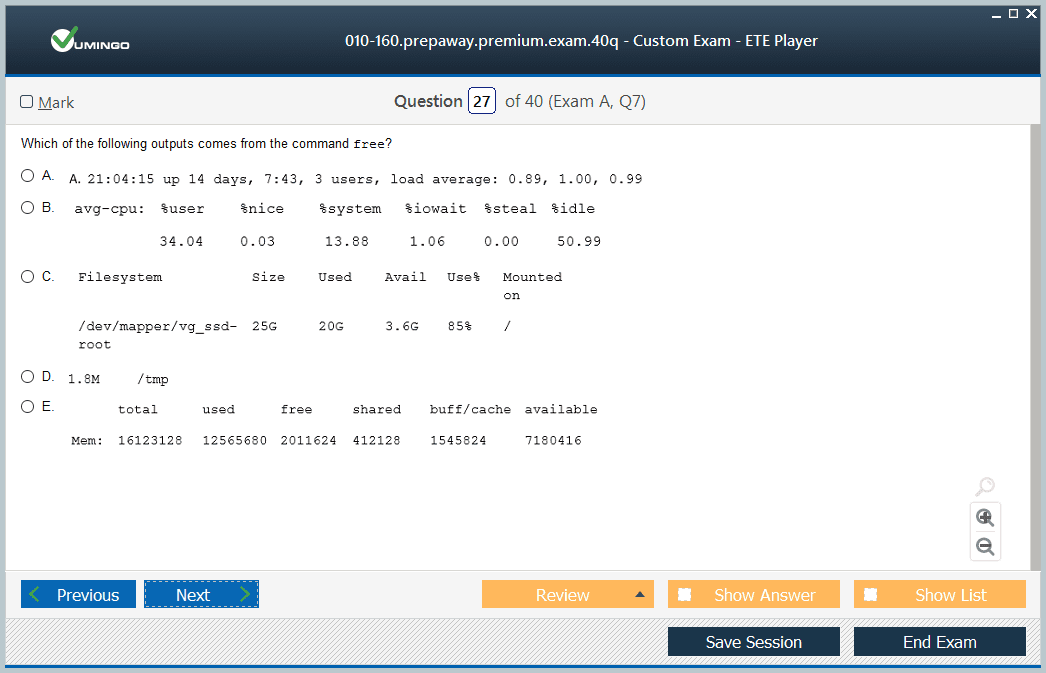
Basic hardware awareness should include storage devices, memory, processors, peripherals, and how Linux exposes hardware information. You do not need deep kernel administration, but you should understand that files under virtual filesystems and commands can reveal hardware and process state without a graphical control panel.
Learn basic shell expansion and quoting because many beginner mistakes come from the shell interpreting characters before a command receives them. Practise single quotes, double quotes, escaping, globbing, and simple command substitution in a disposable directory so you can see the result safely.
Backups should be connected to restore. After creating an archive, extract it to a new directory and compare the files. A backup is only useful if you understand how to recover the information. This mindset carries directly into professional Linux administration.
Before scheduling, compare the current official 010-160 objectives with your practice bank. Linux Essentials has remained on version 1.6, but third-party questions can include outdated commands or topics. Use LPI’s current objectives as the final filter for what deserves exam study time.
File ownership and permissions should also be practised with directories, because execute permission on a directory controls traversal differently from execute permission on a program file. Create a shared directory and vary owner, group, and other permissions to see which users can list, enter, read, create, or delete files.
Linux Essentials is also a good point to learn safe help habits. Use man pages, --help, and command documentation rather than copying commands from unknown posts. The ability to look up syntax is a professional skill and reduces the risk of destructive trial and error.
Use the LPI learning materials to cross-check weak objectives because they are organized around the official exam topics. A short daily session in a virtual machine is more valuable than rereading long command lists: type the command, predict the output, change one condition, and observe the difference.
Before the exam, explain a complete beginner workflow aloud: log in, identify the current directory, create and edit a file, change permissions, archive it, inspect a process, run a script, and check network information. If you can explain each command’s effect, your knowledge is ready for practical use.
Final Readiness Check
- Use Linux Essentials version 1.6 and exam 010-160.
- Practise Linux navigation, files, archives, processes, users, groups, permissions, and simple scripting.
- Understand open-source communities, applications, and licensing concepts.
- Use a real or virtual Linux environment rather than studying commands only on paper.
- Remember that Linux Essentials is a lifetime certificate and is separate from the LPIC professional certification ladder.
Linux Essentials is valuable because it turns Linux from an unfamiliar operating system into an environment you can navigate and reason about. If you can work comfortably at the command line, explain permissions, manage files, understand processes, and write a small script, the certificate has served its purpose as a foundation.
Linux Essentials certification practice test questions and answers, training course, study guide are uploaded in ETE files format by real users. Study and pass LPI Linux Essentials certification exam dumps & practice test questions and answers are the best available resource to help students pass at the first attempt.