ACP-600: The Legacy Jira Server Project Administration Certification
ACP-600 was Atlassian’s Project Administration in Jira Server certification, created for power users who configured and maintained projects and agile boards without holding the full set of global administrator responsibilities. It validated practical project-level work such as workflows, boards, project permissions, versions, components, issue configuration, and reporting. The exam was a useful bridge between everyday Jira usage and instance-wide administration.
The code is now historical. Atlassian introduced ACP-610 Managing Jira Projects for Data Center in 2021 as the replacement for the older project-administration path, and the Data Center professional certifications were later retired in September 2025. ACP-600 should therefore be presented as legacy context. Atlassian certifications now center on Cloud credentials such as ACP-620 and ACP-420.
Project administration is narrower than Jira system administration
A project administrator needs enough authority to adapt a team’s working environment without changing shared system configuration for everyone. That scope distinction was central to ACP-600. Project settings, boards, roles, versions, components, and some workflow behavior could be adjusted locally, while global schemes, application access, shared field architecture, and broader platform settings remained system-administrator concerns.
The older ACP-100 Jira Administrator certification represented that wider administrative responsibility. Understanding the boundary prevents a common mistake in Jira governance: solving a team request with a global change when a project-level configuration would be safer. It also helps teams decide which requests can be delegated and which require central review.
Boards are views of work, not the work itself
Scrum and Kanban boards visualize issues selected by filters and mapped through status columns. A project administrator needs to understand that moving a card changes the underlying issue state, while changing a board filter changes which issues are displayed. Confusing the board with the data model can lead to troubleshooting the wrong layer when work is missing or appears in an unexpected column.
The principles remain relevant beyond the retired exam. A review of Scrum board behavior helps connect backlog, sprint, status, and visualization concepts. Effective configuration gives a team a truthful view of work rather than a highly customized board that only its creator can interpret.
Workflow changes should reflect a real decision or handoff
Project administrators often receive requests for additional statuses because teams want more visibility. The first question should be what decision, responsibility, or work state the new status represents. Too many states make boards harder to read and can create reporting noise. Too few may hide meaningful control points. The goal is a workflow that supports the process with the least complexity necessary.
Conditions, validators, resolutions, and transition rules also matter. A transition that is visible to everyone may allow work to bypass approval; a resolution set at the wrong time can distort reports. Administrators should test both the happy path and exceptions, then verify how the workflow appears on boards, in filters, and in reports before releasing the change.
Project roles make permission schemes reusable
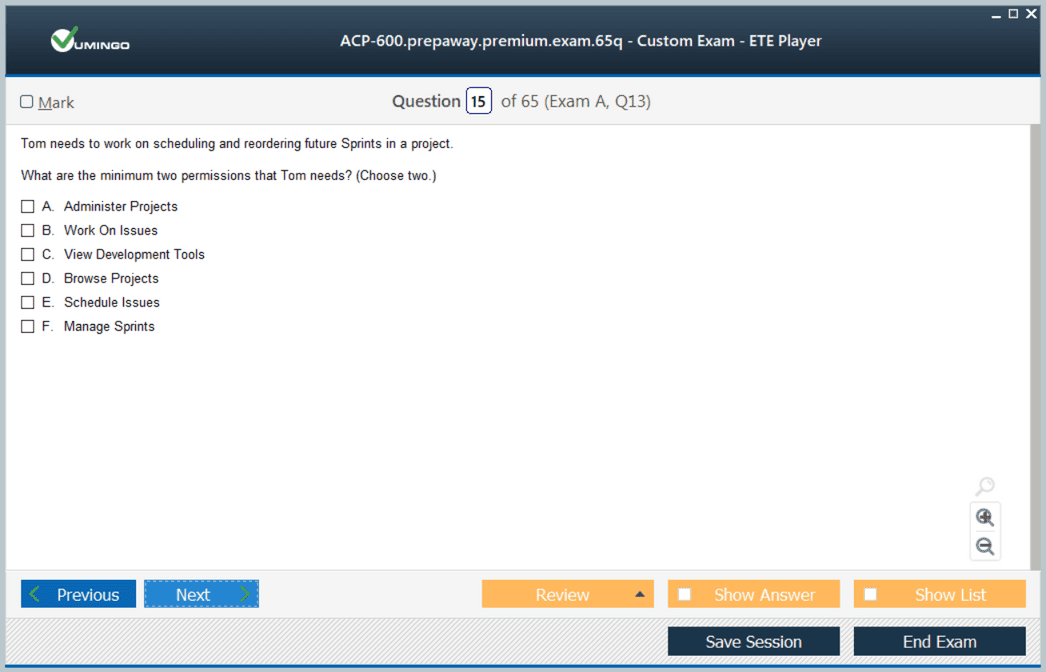
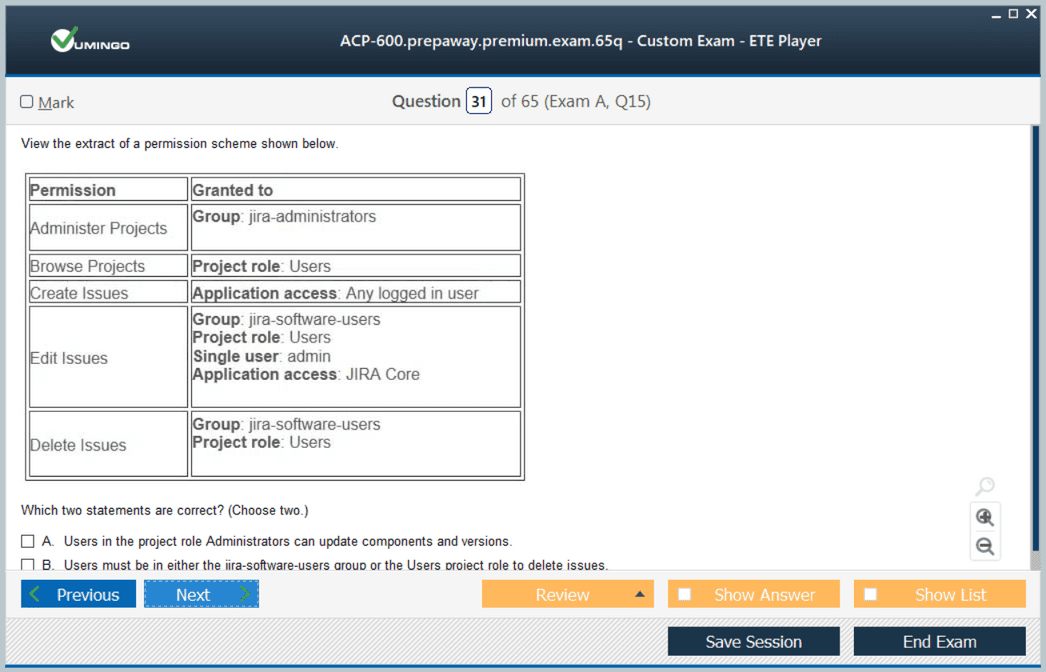
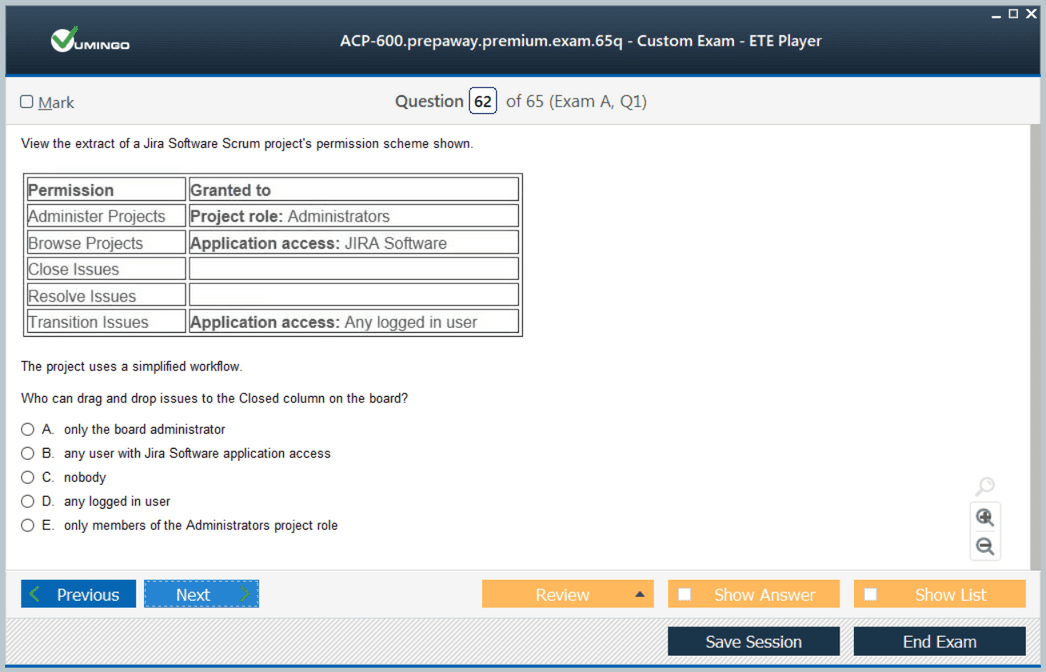
One of Jira’s most important administration patterns is assigning permissions to project roles rather than hard-coding named users or groups everywhere. Roles allow the same permission scheme to behave differently in different projects because each project supplies its own role membership. This reduces duplication and makes responsibility easier to review.
A project administrator should therefore diagnose access requests in terms of role membership and the permission scheme that consumes those roles. Adding a user to a global group may appear to solve the problem but can grant access to unrelated projects. The least-privilege approach is to change only the relationship that corresponds to the requested project responsibility.
Versions and components add structure when ownership is clear
Versions can support release planning, while components can represent product areas, services, or ownership domains. Both become less useful when created without conventions. Project administrators should know who owns a component, how default assignees are used, what a release means for the team, and how these structures feed filters, reports, and planning.
The exam-era lesson is still relevant: configuration should make work easier to understand. If a component list contains overlapping names or versions are used as informal tags, users will apply them inconsistently and reports will be unreliable. Administration includes cleaning up definitions and communicating how the team is expected to use them.
Agile settings should support planning rather than imitate a template
Board estimation, backlog behavior, sprint settings, swimlanes, quick filters, and card layouts should match how the team plans and manages work. Copying another team’s configuration can create hidden assumptions about issue types, estimation units, workflow states, or definition of done. A project administrator should begin with the team’s actual process and then configure Jira to represent it clearly.
General agile knowledge helps because the software is implementing concepts such as prioritization, iteration, flow, and review. The agile estimation discussion is useful when deciding what a board setting means in practice rather than memorizing which screen contains the option.
Reports depend on clean configuration and consistent behavior
Velocity, burndown, control charts, cumulative flow, version reports, and other views are derived from issue history and project configuration. A report can be technically correct while still misleading if statuses are mapped poorly, estimates are inconsistent, or the team changes its process midstream without understanding the effect on historical comparison.
Project administrators should not promise that a configuration change will automatically improve a metric. They can ensure the data is captured consistently, explain what the report measures, and help the team investigate unusual patterns. Interpretation remains a team and management responsibility because the same chart can reflect very different operational causes.
ACP-610 replaced the path before Data Center certification retirement
Atlassian replaced Project Administration in Jira Server with Managing Jira Projects for Data Center, ACP-610, in 2021. The newer credential aligned the role more closely with a modern Data Center administration path and offered an upgrade route for some existing holders. That successor path itself was later retired as Atlassian shifted professional certification toward Cloud.
The active comparison in 2026 is Managing Jira Projects for Cloud, which tests project administration in Atlassian Cloud. ACP-620 remains available until early January 2027, when Atlassian plans to retire it and merge critical content into Jira Administration for Cloud. That makes dates and deployment model essential when discussing any ACP project-admin code.
Legacy exam material is most useful as an operating checklist
Teams still running Jira Data Center may find ACP-600 topics valuable for training project administrators even though the credential is no longer available. Boards, roles, workflows, versions, components, filters, and reports remain practical responsibilities. The material can be used to define delegated administration standards and to teach when a project admin should escalate a request to the central Jira team.
For certification planning, however, candidates should use the current Atlassian learning catalog and verify exam availability before investing in a legacy study plan. A retired code can remain prominent in search results long after scheduling has ended. Good preparation begins with program status, then uses historical content only where it accurately supports today’s work.
The historical move from ACP-600 to ACP-610 also reflected a broader change in Atlassian terminology and product positioning. Server and Data Center administration were once discussed together because many project-level concepts overlapped, but the product lifecycle diverged and Atlassian eventually ended Server support while continuing Data Center. Certification names followed those changes. A reader researching ACP-600 should therefore separate the original Server-era exam, its Data Center successor, and today’s Cloud-focused catalog instead of blending them into one continuous credential.
For teams maintaining older environments, a useful project-admin standard can still be built from these topics. Define which project settings may be delegated, require naming and ownership conventions for versions and components, document board filters, establish a workflow-change review, and require project roles instead of direct user grants where possible. This converts legacy exam knowledge into operating controls that reduce configuration drift and make central Jira administration easier.
If the goal is career development rather than maintaining an existing Data Center environment, hands-on Cloud work now provides a better return on study time. Cloud administration changes continuously and Atlassian’s current credential structure is designed around that platform. The transferable concepts from ACP-600—scope, board behavior, workflow clarity, role-based access, reporting, and agile configuration—remain useful, but the certification decision should be based on the exam that is actually offered when the candidate is ready.
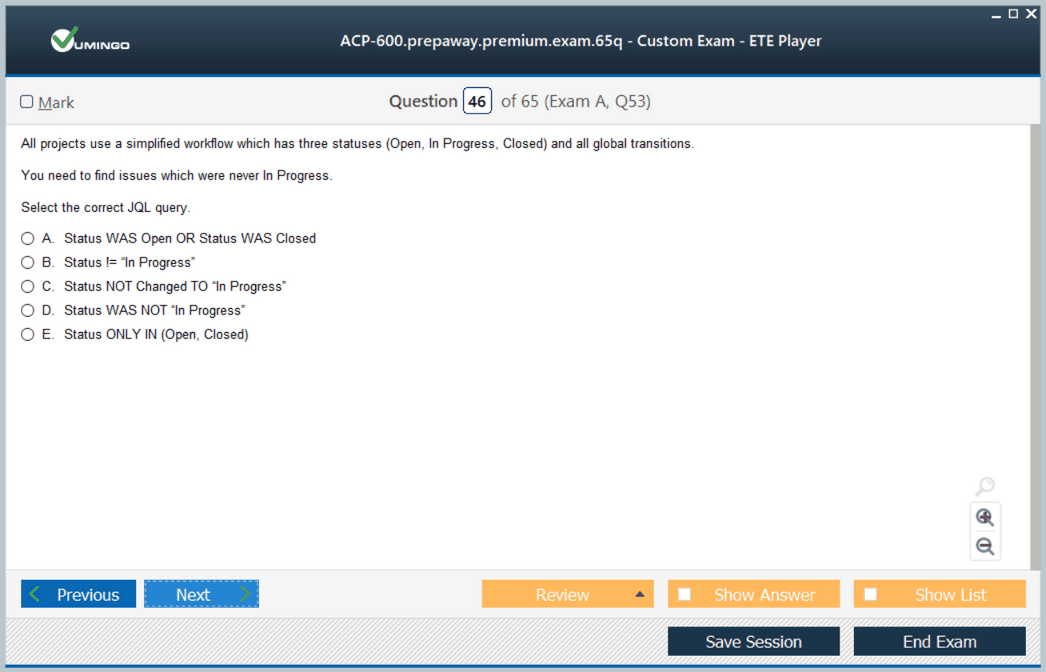
Filters were another important part of the project-admin role because boards, subscriptions, dashboards, and many reports depend on them. An administrator should understand filter ownership and sharing, how JQL determines board scope, and why a change to a shared filter can affect several users at once. Even in a project-level role, reused objects can create hidden dependencies. Good governance therefore includes naming, ownership, and change awareness for filters as well as workflows and boards.
Project-admin handoffs should also be explicit. When a team owner changes, filters, dashboards, boards, versions, and component ownership can become orphaned or poorly understood. A lightweight project-configuration record makes later cleanup safer and gives the central Jira team enough context to distinguish intentional customization from historical clutter. This is a practical way to apply legacy project-administration knowledge after the credential itself has disappeared.



 83% students found the test questions almost same