HPE6-A70 Mobility Associate: Retired ACMA Foundations and Today’s Campus Access Basics
HPE6-A70 was the Aruba Certified Mobility Associate exam, an entry-level credential for professionals learning Aruba wireless networking, controllers, access points, WLAN configuration, authentication, roles, and basic troubleshooting. HPE now marks the ACMA certification and the HPE6-A70 exam inactive. The exam should therefore be treated as legacy material, not as a current certification target.
The underlying skills remain valuable because wireless access is still a central part of campus networking. Radio fundamentals, SSIDs, authentication, client roles, VLAN assignment, access-point operation, controller or gateway services, and basic monitoring are not obsolete simply because the certification architecture changed. What changed is how HPE groups and validates those skills.
Within the current HPE Aruba Networking certifications, the starting point is the broader HPE6-A85 Network Campus Access Associate exam, which combines wireless, switching, routing, security, AAA, management, monitoring, and troubleshooting. That makes HPE6-A70 useful as historical wireless depth while HPE6-A85 is the relevant current credential.
Wireless fundamentals begin with radio behavior rather than SSID configuration
An associate-level mobility engineer needs to understand that Wi-Fi is a shared radio system. Channel selection, channel width, interference, signal strength, noise, contention, client capability, and airtime utilization influence user experience before any higher-layer policy is applied. A configuration can be logically correct and still perform poorly if the RF environment is unhealthy.
2.4 GHz and 5 GHz bands differ in channel availability, interference, and propagation. Modern environments may also use newer spectrum, but the reasoning remains similar: more channel width can increase peak throughput while consuming more spectrum, and higher transmit power can extend one direction of a link without helping a client transmit back. Coverage and capacity must be designed together.
Basic troubleshooting therefore starts with evidence. Is the client associated to the expected AP? What channel and band is in use? Is signal adequate? Is there high channel utilization or repeated retries? Does the problem follow one client, one AP, one RF area, or the entire WLAN? These questions prevent policy changes from being used to solve a radio problem.
WLAN configuration links user intent to network forwarding
An SSID is only the visible label of a larger service definition. The WLAN configuration determines authentication, encryption, role assignment, VLAN or tunnel behavior, quality-of-service treatment, and how client traffic reaches the rest of the network. HPE6-A70 candidates needed to understand these relationships well enough to build a working employee or guest WLAN.
Open, pre-shared-key, and enterprise authentication methods create different security and operational properties. Enterprise authentication using 802.1X can provide individual identity and stronger policy control, but it also adds supplicant, certificate, RADIUS, and identity-store dependencies. A pre-shared key can be simpler but becomes difficult to control when many users or devices share the same secret.
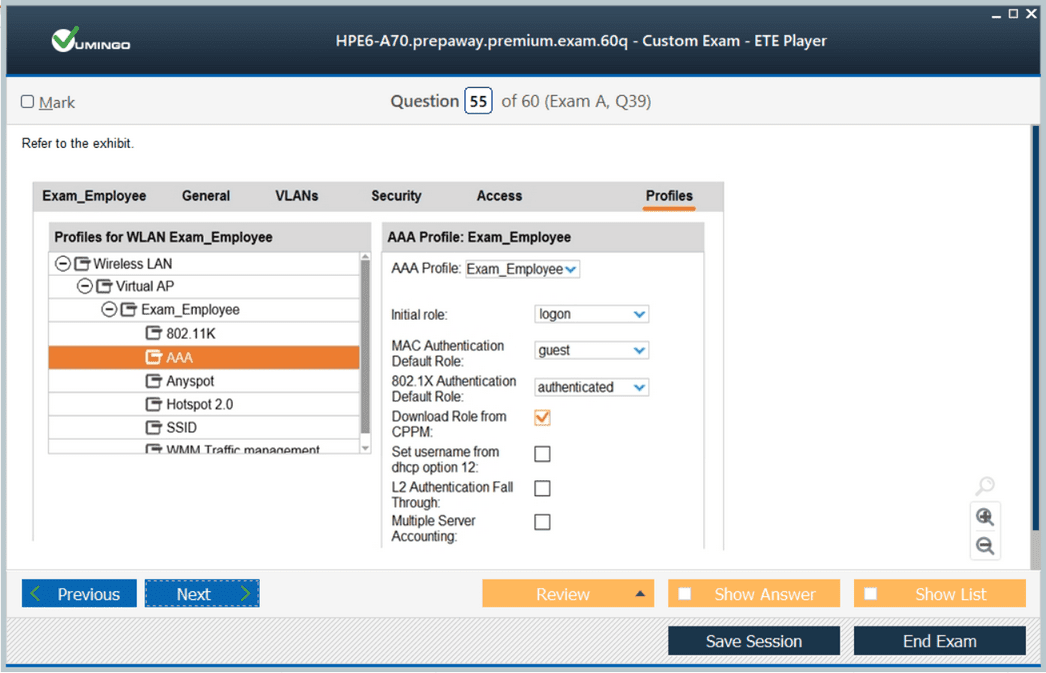
Client roles provide another layer of control. Rather than relying only on a VLAN, the network can assign policy based on who the user is or how the device authenticated. That principle became even more important in later Aruba architectures and now appears in the current Campus Access and Network Security curricula.
Controllers and gateways historically centralized important mobility functions
The ACMA era was strongly associated with controller-based WLAN designs. Access points formed relationships with Aruba controllers or mobility infrastructure that supplied configuration, tunnel termination, policy, roaming support, and other services. Candidates needed to understand where control and data functions lived and how an AP found and joined the appropriate infrastructure.
Tunneling creates clear operational questions. Where does client traffic enter the wired network? Which device applies policy? What happens if the controller or uplink fails? How are remote or branch access points handled? The answer changes the traffic path, fault domain, and troubleshooting sequence.
Modern HPE Aruba Networking has evolved toward cloud-managed and gateway-based architectures, but the old controller model still exists in many deployed environments. Understanding it helps engineers support installed networks and recognize why newer architectures changed certain operational boundaries.
AAA and user roles made mobility security more granular than a shared wireless password
Authentication, authorization, and accounting were central to Aruba mobility. 802.1X combined with RADIUS could identify individual users or devices, while returned attributes and local policy determined the role they received. Accounting information then provided visibility into sessions and usage.
Associates needed to distinguish authentication failure from authorization failure. A user could prove identity successfully but receive the wrong role because an attribute, group lookup, or policy rule did not match. Conversely, an access point or controller might fail to reach the RADIUS server, making every credential appear invalid even when the directory was healthy.
ClearPass could enrich this process, but the mobility associate skill was to understand the access transaction at a practical level. That knowledge now sits inside the current Campus Access exam, where AAA concepts, wireless security, and integration with ClearPass are evaluated alongside wired networking.
Roaming quality depends on RF continuity and consistent policy
Mobility means more than being connected to Wi-Fi. Users move between access points while expecting voice calls, collaboration sessions, and applications to continue. Roaming performance depends on the client’s decision process, RF overlap, authentication method, network architecture, and whether policy or addressing changes during the transition.
An associate should understand why a client may cling to a weak AP, why excessive overlap can create its own problems, and why inconsistent WLAN configuration between AP groups can produce unpredictable behavior. Fast-roaming mechanisms can reduce authentication delay, but they do not repair poor RF design.
Troubleshooting should correlate client history with AP events. If a device disconnects at the same location every day, look for RF conditions and AP health. If every client fails when roaming between two parts of a building, compare configuration and network reachability across those areas. Mobility problems often become clear when the timeline is reconstructed.
Guest and branch use cases introduced different trust and traffic models
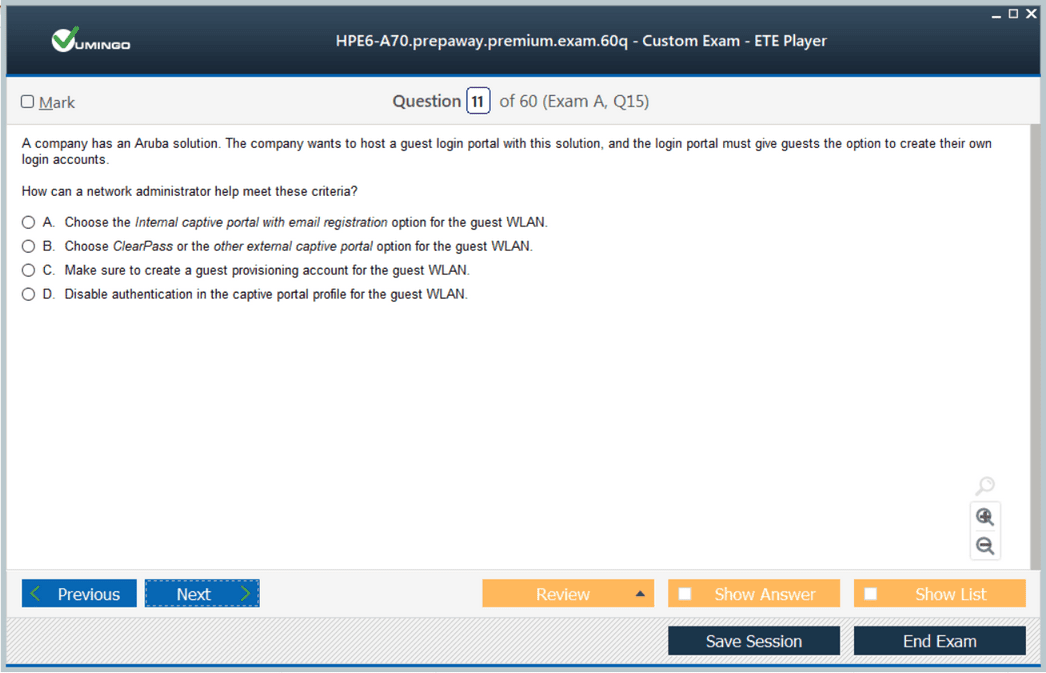
Guest access typically requires internet reachability with strong separation from corporate resources. Captive portal workflows, temporary identity, client isolation, role assignment, and DNS/DHCP behavior all contribute to the experience. The network should make it easy for a legitimate visitor to connect without accidentally granting the same privileges as an employee.
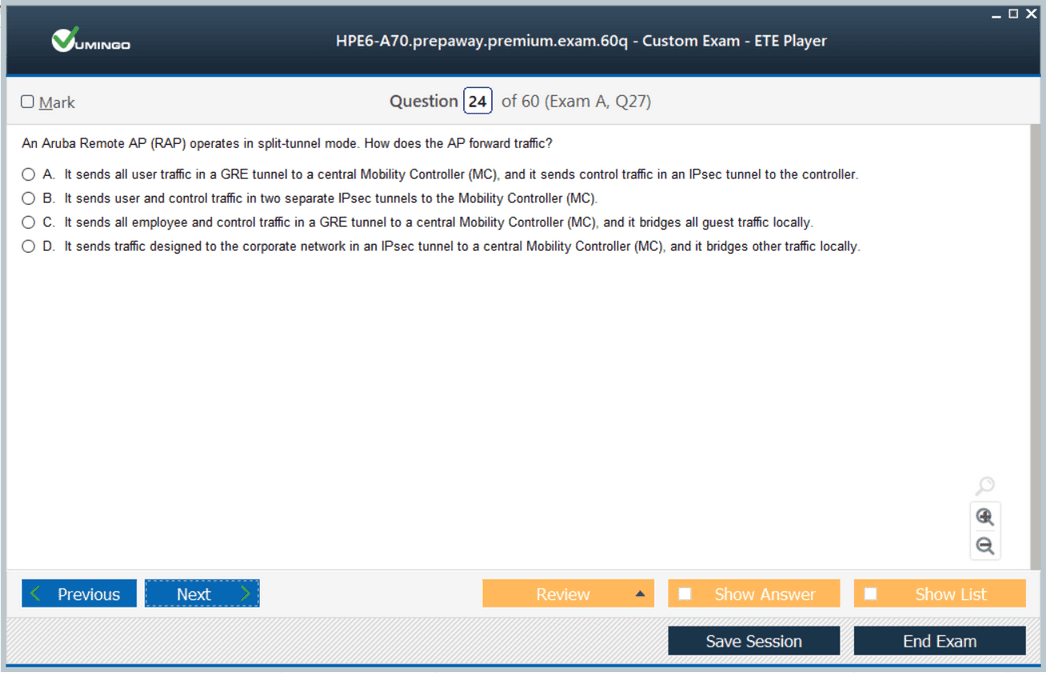
Branch and remote access points introduced another set of requirements. A small location may need centrally managed Wi-Fi, secure connectivity to headquarters, local internet breakout, and continued operation when a WAN path is impaired. An associate did not need to become a WAN architect, but should understand the purpose of tunneled traffic, local forwarding, and role-based separation.
These use cases are now part of broader campus and edge designs. The old HPE6-A70 material remains useful for understanding the roots of Aruba mobility even though new learners should follow the current Campus Access curriculum.
Basic troubleshooting should move from client association toward application reachability
A reliable workflow begins by identifying the stage at which the connection fails. Can the client see the SSID? Can it associate? Does authentication complete? Does it receive an IP address? Can it reach its default gateway and DNS? Can it reach the intended application? Each stage depends on a different set of components.
For association failures, examine RF and WLAN settings. For authentication failures, inspect credentials, EAP method, certificate trust, RADIUS reachability, and policy. For addressing failures, verify DHCP path and VLAN or tunnel placement. For application problems, validate routing, firewall policy, DNS, and upstream services.
This layered method is more valuable than memorizing a collection of commands. It teaches the engineer to reduce uncertainty in a predictable sequence and to gather evidence before changing configuration.
ACMA skills now belong inside a unified Campus Access role
The old mobility ladder progressed from HPE6-A70 to the professional HPE6-A71 Mobility Professional and then to the expert written HPE6-A79 Mobility Expert. HPE has retired that ladder. Current certification instead combines wired and wireless access at associate and professional levels.
That change mirrors real operations. Wireless performance can depend on switching, routing, AAA, DHCP, DNS, segmentation, and management platforms. A campus engineer who understands only the radio side may still struggle to diagnose the complete client path. The current model therefore validates a broader foundation before advanced specialization.
HPE6-A70 remains useful for technicians supporting older Aruba controller environments or reviewing classic WLAN concepts. For a new certification goal, however, the right destination is the current Campus Access path. Use the retired exam to strengthen wireless fundamentals, then practice those fundamentals in a network model that includes the wired and policy layers surrounding Wi-Fi.
Power and cabling are also part of wireless service. Access points depend on Ethernet reachability and sufficient PoE, so an RF symptom can originate from a switch port that is power-cycling, negotiating incorrectly, or failing under load. An associate should know how to confirm AP uptime, Ethernet status, power class, and upstream switch health before replacing radio settings. This is especially important in dense deployments where many APs share the same access switch and one infrastructure fault can affect a whole physical area.
Firmware and configuration consistency matter for the same reason. AP groups, controller profiles, and site-specific overrides can create subtle differences that are hard to see from the client side. Before troubleshooting an isolated location, compare the affected AP with a known-good peer: software version, group assignment, WLAN profile, regulatory settings, uplink state, and local overrides. Consistency checks often reveal faults more quickly than repeated client testing.
Finally, wireless associates should understand that throughput tests alone do not describe user experience. DNS latency, DHCP delay, authentication time, retransmissions, roaming interruption, and application response can all make Wi-Fi feel slow even when a speed test looks acceptable. Good operations measure the stage that users actually experience rather than relying on one headline number.


 83% students found the test questions almost same