
- Home
- CIW Certifications
- 1D0-621 CIW User Interface Designer Dumps
Pass CIW 1D0-621 Exam in First Attempt Guaranteed!
Get 100% Latest Exam Questions, Accurate & Verified Answers to Pass the Actual Exam!
30 Days Free Updates, Instant Download!


1D0-621 Premium File
- Premium File 54 Questions & Answers. Last Update: Oct 30, 2026
Whats Included:
- Latest Questions
- 100% Accurate Answers
- Fast Exam Updates
Last Week Results!
 83% students found the test questions almost same
1D0-621: CIW User Interface Designer
CIW 1D0-621 is the current User Interface Designer exam from Certification Partners. CIW lists 54 questions, a 75-minute time limit, a 74.07 percent passing score, and a three-year certification validity period. The scope is broader than visual styling. It combines user-interface project work, user-centered design, layout and navigation, responsive behavior, accessibility and legal considerations, publishing, security, and search-oriented site practices.
The exam is best understood as a decision-making test for people who shape usable web interfaces. A candidate should be able to explain why a page is organized a certain way, how users move through it, what changes when the viewport narrows, how typography affects scanning, and where design choices create accessibility or maintenance problems. Those questions reward practical reasoning much more than memorizing definitions of design terms.
Within CIW certifications, 1D0-621 builds naturally on the broad web knowledge covered by 1D0-610 Web Foundations Associate and the implementation basics in 1D0-61B Site Development Associate. Candidates who already understand HTML structure, networks, browser behavior, and basic site production can devote more preparation time to design judgment instead of relearning foundational mechanics.
Interface projects begin with goals, users, constraints, and evidence
A strong interface project starts before any page is styled. Candidates should be comfortable translating a business goal into user needs, project requirements, success criteria, and a practical sequence of design work. A useful requirement identifies who is trying to accomplish what, the information or action required, and the constraints that shape the solution. Vague goals such as “make the site modern†are weaker than measurable goals such as reducing abandonment, shortening a task flow, or improving completion on mobile devices.
Project documentation matters because design is collaborative. Site maps, wireframes, content inventories, sketches, task flows, prototypes, and decision records help designers, developers, content owners, and stakeholders work from the same assumptions. Iterative development does not remove planning; it changes how planning is refined. Early low-cost artifacts are valuable because they reveal structural mistakes before those mistakes become expensive code, content, and rework.
Design artifacts also need the right level of fidelity for the decision being made. A rough sketch is useful when the team is still debating structure; a high-fidelity prototype can be useful when testing wording, spacing, or interaction detail. Producing polished screens too early can make stakeholders reluctant to question the underlying flow. Candidates should recognize when fidelity is helping communication and when it is hiding unresolved requirements behind attractive presentation.
User-centered design turns research into task flows
User-centered design asks what real users need, what they already know, what barriers they face, and what context surrounds the task. Personas can summarize important patterns, but they should represent evidence rather than stereotypes. Scenarios and task flows then show how a user moves from intent to outcome. A good design minimizes unnecessary decisions, gives feedback after actions, and makes important states visible instead of forcing people to guess whether the system accepted an input.
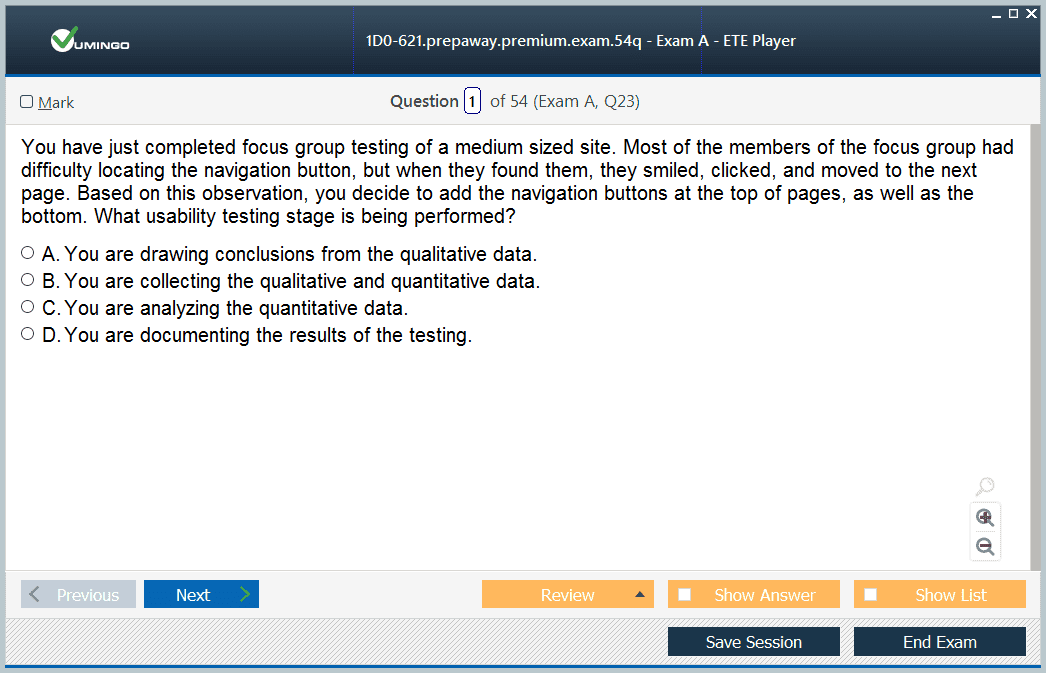
Usability testing is valuable because designers are poor substitutes for actual users. Even a small test can reveal confusing labels, hidden controls, unclear form requirements, or navigation that makes sense only to the project team. Candidates should distinguish opinions about appearance from evidence about task completion. When several users pause at the same step, misread the same label, or abandon the same form field, the design needs investigation even if the screen looks polished.
Layout, typography, and color create hierarchy rather than decoration
Visual hierarchy tells a reader what deserves attention first, what belongs together, and what can be scanned later. Grid systems, whitespace, alignment, contrast, and grouping help establish that hierarchy. The goal is not to fill every empty area. Space can separate concepts, reduce cognitive load, and make controls easier to distinguish. Consistency also matters because repeated patterns let users transfer knowledge from one part of a site to another instead of relearning the interface on every screen.
Typography affects identity and readability at the same time. Candidates should understand practical relationships among font choice, size, line length, line height, weight, and contrast. Color can communicate brand and status, but color alone should not carry critical meaning because users may have color-vision differences or use high-contrast settings. The strongest visual systems support hierarchy with semantic structure, meaningful labels, and interaction states that remain understandable when styling is reduced or changed.
Navigation must match information architecture and user expectations
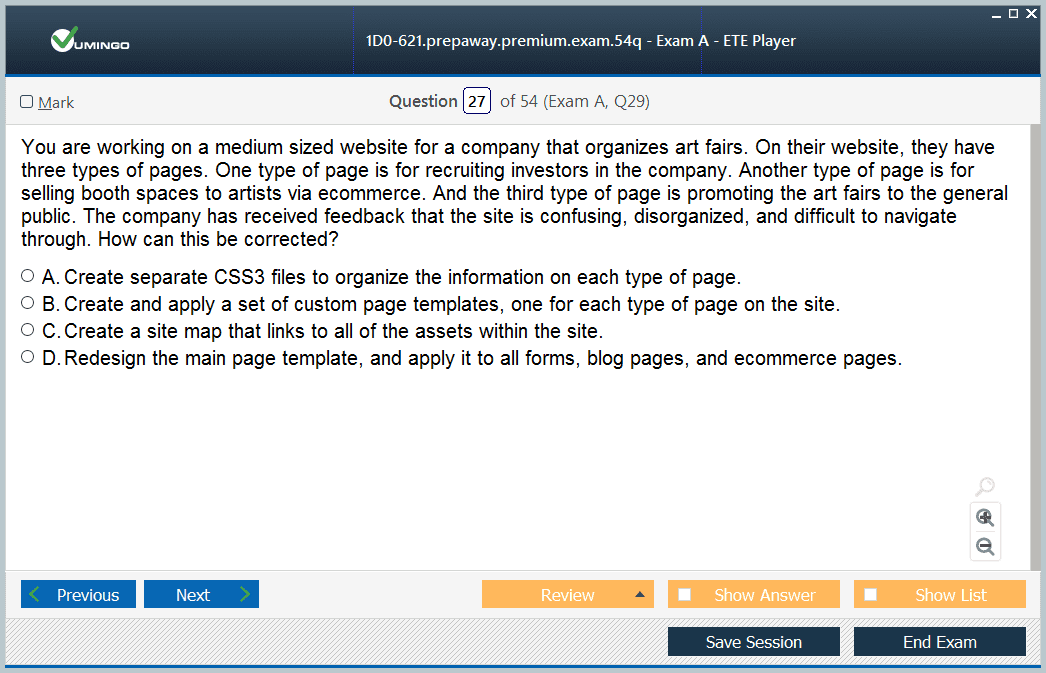
Navigation is the visible expression of a site’s information architecture. Global navigation, local navigation, breadcrumbs, contextual links, search, and calls to action serve different purposes. Labels should use language the audience recognizes rather than internal organizational terminology. If several sections have overlapping names, the hierarchy needs clarification before styling can solve anything. A candidate should be able to spot the difference between a visual navigation problem and a deeper content-organization problem.
Navigation design also needs state awareness. Users should understand where they are, what options are available, and what will happen when they act. Mobile navigation introduces additional pressure because screen space is limited and hidden menus can reduce discoverability. Strong interface work protects the primary task without flooding the screen with equal-priority choices. The exam therefore rewards reasoning about user goals, hierarchy, and feedback rather than copying a fashionable menu pattern without understanding its cost.
Responsive design is a content and interaction problem, not only a CSS trick
Responsive design adapts layouts to different viewport sizes and device capabilities. Flexible grids, responsive media, breakpoints, and modern CSS techniques are implementation tools, but the underlying design question is which content and actions remain most important as space changes. Simply shrinking a desktop composition often produces cramped text, tiny controls, and awkward relationships. Candidates should think about reading order, navigation priority, touch interaction, and the point at which a layout needs to reorganize rather than merely compress.
Good responsive work also considers orientation, connection quality, image weight, progressive enhancement, and content variability. A candidate should be able to reason about what happens when JavaScript is unavailable, a font loads slowly, an image is missing, or a headline becomes much longer than the mockup. Testing only one phone and one desktop width misses the continuous nature of responsive behavior. Robust interfaces tolerate imperfect conditions while keeping the main task understandable.
Responsive performance also requires asset discipline. Large hero images, unused script bundles, excessive web fonts, and layout shifts can make a technically responsive page frustrating on a mobile connection. Interface designers should understand the user impact of loading behavior well enough to collaborate with developers on image sizing, lazy loading, caching, and progressive rendering. The design is not finished if it adapts visually but becomes slow or unstable during the adaptation.
Accessibility and legal considerations belong in the design process
Accessible interfaces provide alternatives and predictable behavior for people using keyboards, screen readers, zoom, speech input, or other assistive technology. Semantic structure, meaningful headings, form labels, error messages, focus visibility, sufficient contrast, and logical keyboard order should be planned rather than patched in at the end. Accessibility also improves general resilience because clear structure tends to work better across devices, input methods, and browsing conditions.
Legal and policy considerations can include copyright, trademarks, privacy, accessibility obligations, and appropriate use of licensed assets. Candidates do not need to become attorneys, but they should recognize when a design decision creates a compliance question that requires specialist review. Copying imagery without permission, collecting personal data without a clear purpose, or publishing inaccessible forms can create risks that attractive presentation cannot offset.
Accessibility testing should combine automated checks with manual review. Automated tools can identify missing labels, contrast failures, or certain structural errors, but they cannot determine whether link text is meaningful, whether focus order matches the task, or whether an error message is understandable. Keyboard-only navigation and basic screen-reader inspection expose interaction failures that a static checklist may miss.
Publishing, maintenance, security, and SEO affect interface quality after launch
Publishing is not the end of design. A production site needs repeatable deployment, backups, version or change tracking, analytics, broken-link checks, content ownership, and a maintenance plan. Security updates and secure hosting practices matter because a compromised site destroys user trust regardless of how carefully the interface was designed. Performance also shapes experience: slow pages increase abandonment, delay interaction feedback, and disproportionately affect people on constrained networks or devices.
Search optimization should start with meaningful content, useful headings, descriptive titles, crawlable navigation, accessible markup, and technically healthy pages. Interface designers should understand how hidden text, duplicate pages, confusing internal links, or image-only content can reduce discoverability. Search and accessibility often reinforce one another because both benefit from clear structure and descriptive language. The goal is to make the subject and hierarchy understandable to people and machines, not to distort the interface around keyword tricks.
Preparation should combine critique, redesign, and implementation practice
The most effective study method is to inspect real interfaces and explain them. Pick a site, identify its audience and primary tasks, sketch the information architecture, trace a user journey, and note where hierarchy, navigation, responsive behavior, accessibility, or performance could improve. Then redesign one flow and justify each change. This converts principles into decisions and reveals whether you can defend a design choice instead of only recognizing terminology on a flashcard.
Implementation practice is equally useful. Build a small responsive site from a wireframe, test it with keyboard navigation and narrow viewports, validate forms, and observe what happens when content becomes longer than expected. The retired 1D0-635 JavaScript Specialist can still provide historical scripting context, but 1D0-621 preparation should stay focused on coherent interface decisions. A useful supplement is examining the real responsibilities behind web designer roles and skills, then connecting those responsibilities back to the exam objectives.
Why customers love us?
What do our customers say?
The resources provided for the CIW certification exam were exceptional. The exam dumps and video courses offered clear and concise explanations of each topic. I felt thoroughly prepared for the 1D0-621 test and passed with ease.
Studying for the CIW certification exam was a breeze with the comprehensive materials from this site. The detailed study guides and accurate exam dumps helped me understand every concept. I aced the 1D0-621 exam on my first try!
I was impressed with the quality of the 1D0-621 preparation materials for the CIW certification exam. The video courses were engaging, and the study guides covered all the essential topics. These resources made a significant difference in my study routine and overall performance. I went into the exam feeling confident and well-prepared.
The 1D0-621 materials for the CIW certification exam were invaluable. They provided detailed, concise explanations for each topic, helping me grasp the entire syllabus. After studying with these resources, I was able to tackle the final test questions confidently and successfully.
Thanks to the comprehensive study guides and video courses, I aced the 1D0-621 exam. The exam dumps were spot on and helped me understand the types of questions to expect. The certification exam was much less intimidating thanks to their excellent prep materials. So, I highly recommend their services for anyone preparing for this certification exam.
Achieving my CIW certification was a seamless experience. The detailed study guide and practice questions ensured I was fully prepared for 1D0-621. The customer support was responsive and helpful throughout my journey. Highly recommend their services for anyone preparing for their certification test.
I couldn't be happier with my certification results! The study materials were comprehensive and easy to understand, making my preparation for the 1D0-621 stress-free. Using these resources, I was able to pass my exam on the first attempt. They are a must-have for anyone serious about advancing their career.
The practice exams were incredibly helpful in familiarizing me with the actual test format. I felt confident and well-prepared going into my 1D0-621 certification exam. The support and guidance provided were top-notch. I couldn't have obtained my CIW certification without these amazing tools!
The materials provided for the 1D0-621 were comprehensive and very well-structured. The practice tests were particularly useful in building my confidence and understanding the exam format. After using these materials, I felt well-prepared and was able to solve all the questions on the final test with ease. Passing the certification exam was a huge relief! I feel much more competent in my role. Thank you!
The certification prep was excellent. The content was up-to-date and aligned perfectly with the exam requirements. I appreciated the clear explanations and real-world examples that made complex topics easier to grasp. I passed 1D0-621 successfully. It was a game-changer for my career in IT!


